
Your AI assistant for teaching and everything around it

Mira is an AI agent for teachers and educators that works from your messenger and connects to your calendar, inbox, files, and 1,000+ tools. Research a topic, work with your own materials, prepare content for class, check your schedule, and hand off routine tasks without jumping between apps.
THE PROBLEM

Teaching doesn't end when the class does

Lesson prep, research, materials, emails, deadlines, and admin all compete for the hours around teaching. Mira helps you get through the work around your classes faster, so more of your time goes into teaching itself.
🔍

Research interrupts your prep

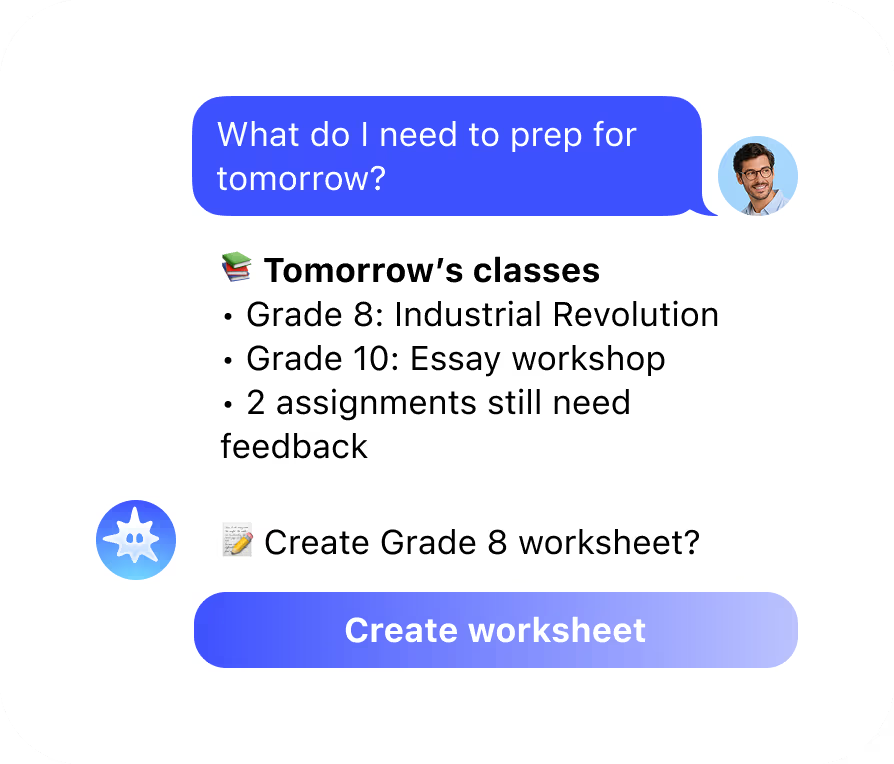
Checking a fact, finding a reliable source, reviewing curriculum material, or looking something up in the middle of lesson prep can quickly turn into ten open tabs.
⏰

Too much lives in your head

Classes, meetings, deadlines, reminders, emails, and personal tasks all need attention. Keeping track of what needs to happen next becomes another task in itself.

📚

Class materials take time to build

Finding the right information is only the start. You still need to turn it into something useful for class, organize the material, and create supporting visuals.

HOW IT WORKS

What Mira does for teachers and educators

1
Research

Find what you need without leaving your workflow

Ask Mira about a topic, curriculum point, historical event, concept, or source and get a clear answer without stopping your prep to search manually. Bring in your own materials too. Upload documents, ask questions about them, or summarize long sources before turning them into something you can use in class.
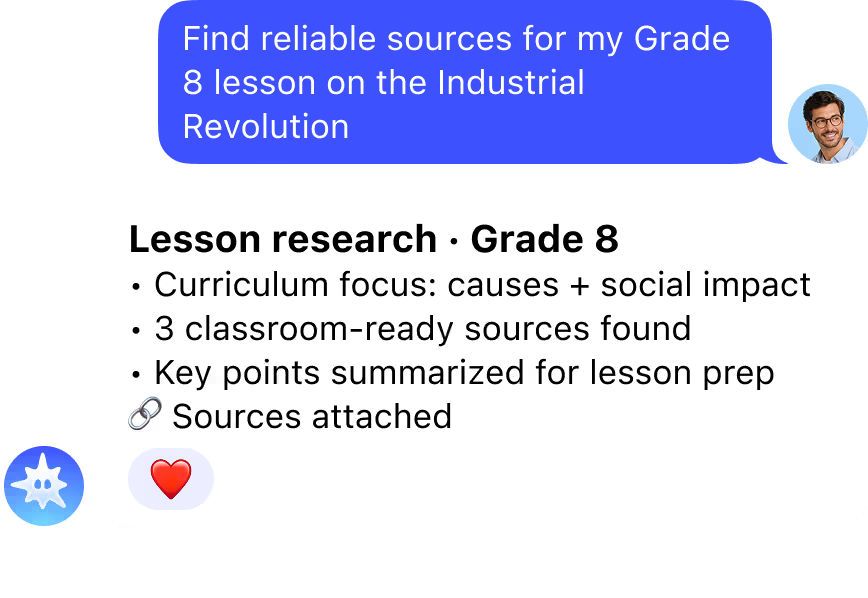
  • ✦ Get sourced answers to subject and curriculum questions
  • ✦ Summarize articles, papers, and reference materials
  • ✦ Pull the key information you need for lesson prep
2
Daily work

Keep the work around teaching under control

Start the day with one view of what needs your attention. Mira can bring together your schedule and priorities, remind you about important tasks, and handle recurring routines automatically.
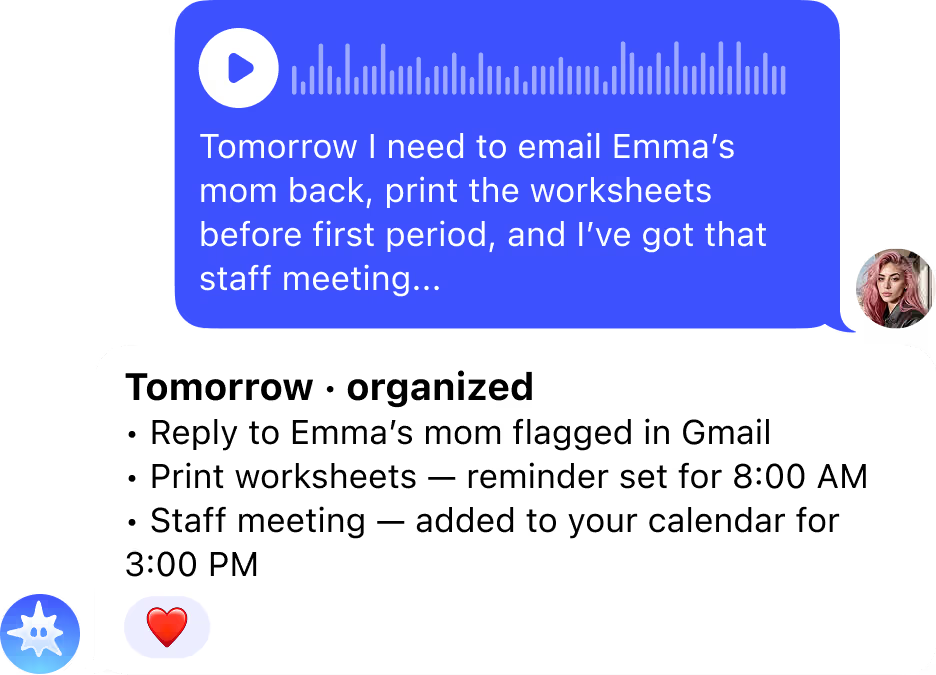
  • ✦ Morning brief with your schedule and priorities
  • ✦ Reminders for classes, meetings, deadlines, and follow-ups
  • ✦ Recurring tasks for things you do every week
  • ✦ Access to your calendar and inbox from the same chat
3
Class materials

Turn ideas into materials faster

Use Mira to move from research to something you can actually use in class. Bring a topic, document, or source into the chat, ask Mira to organize the information, and generate supporting text, visuals or video without starting from a blank page every time.
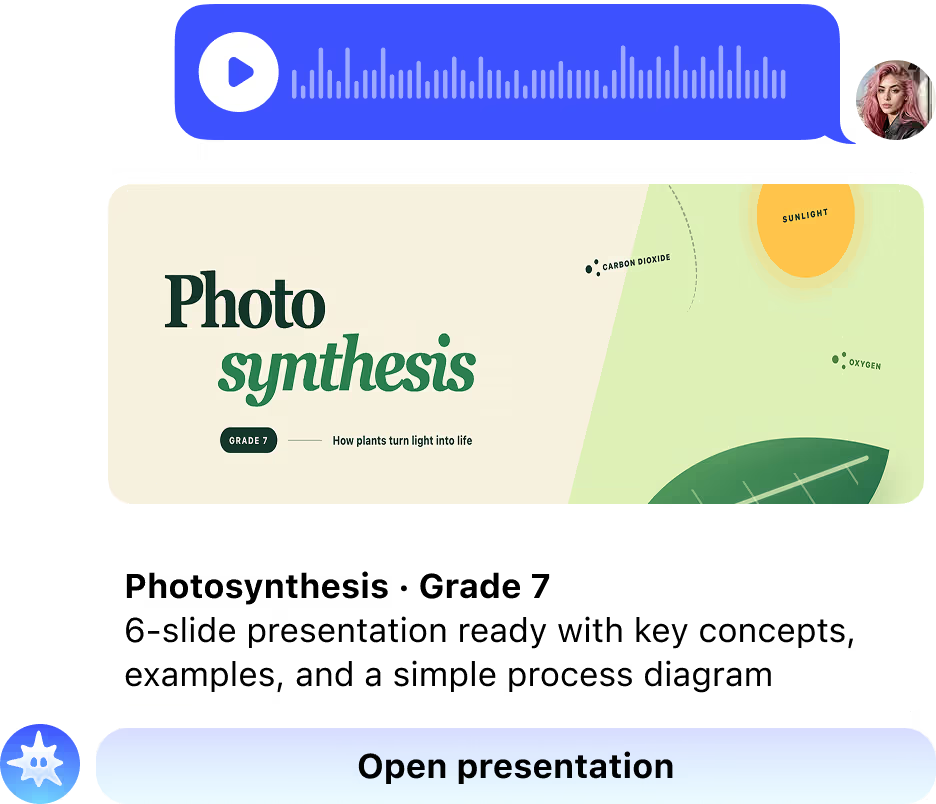
  • ✦ Turn long sources into concise teaching material
  • ✦ Generate images and visual aids on demand
  • ✦ Create text and visuals in the format you need
  • ✦ Schedule recurring preparation tasks to run automatically

Still have questions? Just ask Mira

The fastest way to understand what Mira can do is to try it. Open the app - it takes 10 seconds.
Message Mira
  • Zero setup
  • No credit card
  • Works in your messenger
INTEGRATIONS

Work with the tools you already use

Mira connects to Google Drive, Notion, Gmail, Google Calendar, and 1,000+ other tools. Ask questions about your own files, check what's coming up, find information in your materials, and manage the work around your classes without moving between tabs and apps.
+1000 more
Google AanalyticsAhrefs
Google SheetsAmplitude
Google AdsSlackMeta
TikTokHubspot
LinkedIn KVYO
Google AanalyticsSlackGoogle AdsMetaGoogle SheetsTikTokAmplitudeHubspot
AhrefsLinkedIn KVYO

Ready to connect your stack?

OTHER SOLUTIONS

Mira works for everyrole on your team

Same agent, different stack. Marketing gets Google Ads and HubSpot, engineering gets GitHub, finance gets Stripe. Everyone works from the chat they're already in
  • Founders & CEOs

    Business overview
  • Developers

    GitHub, CI/CD, deploys
  • Sales Teams

    CRM & pipeline
  • Creators

    Content & monetisation
  • Traders & Web3

    Binance, Bybit, DeFi
  • Project Managers

    Jira, Linear, Notion
  • Finance & Accounting

    Stripe, QuickBooks
  • HR & Recruiting

    Onboarding & hiring
BLOG

From the Mira blog

FAQ

  • How can teachers use AI in their daily work?

    Teachers use AI for the work that surrounds a class rather than the teaching itself: researching a topic and checking sources, summarising long articles or papers into something usable in class, turning material into handouts and visuals, and keeping track of schedules, deadlines and reminders. Mira does all of this from a messenger chat, so preparation does not require opening a separate platform or learning a new tool.
  • What are the best AI tools for teachers?

    It depends on the task. For lesson plan templates and worksheets, MagicSchool and Curipod are built specifically for classrooms. For detecting AI-written student work, dedicated checkers are the right tool. For research, summarising sources, building materials and managing the admin around classes, Mira covers all of it from one chat and connects to Google Drive, Gmail and Google Calendar so your own files and schedule are part of the same conversation.
  • Is there a free AI for teachers?

    Yes. Mira has a free tier with no card required that includes research, document summarising, reminders and content generation. Google Workspace for Education includes AI features for schools already using it, and several classroom-specific tools offer limited free plans. For teachers who want one assistant covering research, materials and daily admin without a budget, starting free and upgrading only if usage grows is the most practical route.
  • Can Mira work with my own teaching materials?

    Yes. Upload a document, presentation or reading, and Mira answers questions about it, summarises it or turns it into material for class. Connect Google Drive and it works with files already stored there without uploading them again. This matters because most preparation starts from curriculum documents and sources you already have, not from a blank page.
  • Is it safe to use AI with student information?

    Keep student names and personal details out of AI tools unless your school has approved that specific tool for the purpose. Mira does not use your conversations to train models and does not sell or share your data, and Private Mode processes requests in an environment where nothing is stored. Even so, the safer habit is to work with topics, sources and materials rather than identifiable student data, and to check your institution's policy before changing how you handle it.

Still have questions? Just ask Mira

The fastest way to understand what Mira can do is to try it. Open the app - it takes 10 seconds.
Message Mira
  • Zero setup
  • No credit card
  • Works in your messenger