Free AI Assistant: Best Options in 2026

The best free AI assistant in 2026 depends on the job you hand it. ChatGPT is the strongest all-rounder for everyday chat. Claude handles long documents best. Gemini fits Android and Google apps. Perplexity gives you answers with sources, and DeepSeek has no published message cap. Mira is the pick when you want an assistant that remembers you, connects to your apps, and gets tasks done from your messenger.
Every option here is free to start, and every one has limits. The real question is which limit you'll hit first.
| Tool | Best for | What's free | Main limit | Memory on free | Takes action | Paid from |
|---|---|---|---|---|---|---|
| ChatGPT | Everyday chat and writing | GPT-6 chat; limited voice, images, uploads | Variable tool limits; everyday text chat unlimited | Limited | Limited Work and Codex access | $8/mo |
| Mira | Getting tasks done in your messenger | Chat, memory, app connections, scheduled tasks | Daily message limits | Yes | Yes | $27/mo |
| Claude | Long documents and careful writing | Chat, 20 files per chat, file creation, connectors | Variable usage; five-hour resets | Yes | Yes, via supported connectors | $20/mo |
| Gemini | Android and Google apps | Flash-Lite, Gemini Live, image generation | 32K context; variable five-hour and weekly limits | No | Yes, via connected apps | $4.99/mo |
| Perplexity | Answers with sources | Practically unlimited basic searches; limited uploads | 3 Pro searches/day | N/A | No free Comet agent queries | $20/mo |
| DeepSeek | High volume at zero cost | Chat, thinking mode, search, file uploads | Peak-hour slowdowns | N/A | N/A | No consumer plan |
| Copilot | Microsoft users | Chat, voice, image generation | Office app features are paid | Limited | No | $9.99/mo via Microsoft 365 Personal |
| Meta AI | Quick help inside social apps | Chat and images in WhatsApp, Instagram, Messenger | Features and limits vary by app and region | Yes, where available | No | $7.99/mo via Meta One Core |
| HuggingChat | Exploring open models | 100+ models; free allowances vary | Some features require login; inference and compute may cost extra | N/A | Tool support; ML Intern compute is billed | $9/mo |
What counts as a free AI assistant?
A free AI assistant is software that understands plain language and helps you write, research, plan, or finish tasks without paying. The catch is that "free" covers three different deals.
- Free tier: A permanent plan with caps on messages, models, or features, like ChatGPT, Claude, and Gemini.
- Free trial: Full access for a few days, followed by a paid subscription.
- Free to start: A usable free plan, with a paid plan when you need more volume.
How to spot a free AI assistant app that isn't really free
Many free AI assistant apps in app stores are paid subscriptions with a short free window. Three signs give them away.
- Weekly pricing: A plan billed weekly after a 3-day trial is a subscription, not a free tool.
- No stated limits: If the app won't say how many messages you get, expect a paywall after a handful.
- Generic wrappers: Apps described only as "powered by GPT" usually resell another company's model at a markup.
If the app's maker also offers a web version with a published free tier, use that instead.
The 9 best free AI assistants in 2026
We assessed each tool’s free-plan generosity, output quality, memory between sessions, ability to take action, and platform availability.
1. ChatGPT: best free AI chatbot for everyday use
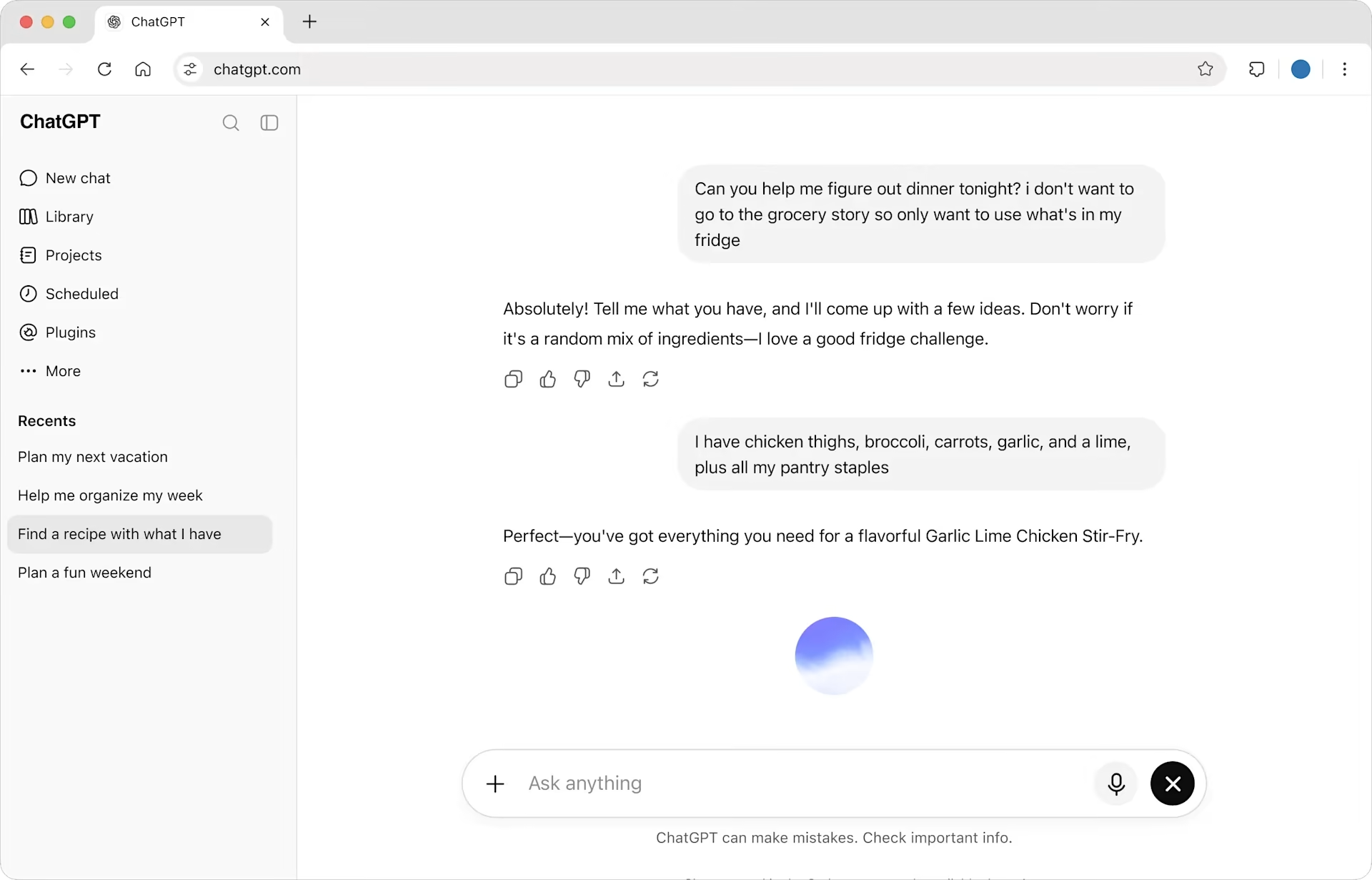
ChatGPT is still the most polished free experience for writing, brainstorming, and quick answers. The free plan includes OpenAI’s latest model, voice mode, image generation, and file uploads in one app.
The limits sit around the extras, not the chat. Everyday text chat is unlimited on the free plan, but voice, images, uploads, and tools are capped and reset over time. Agent features like Work and Codex are only partly available.
- Best for: everyday writing, summaries, and quick questions
- What's free: latest model with a rolling cap, voice, images, file uploads
- Limits: model downgrade after the cap, no actions in your other apps
- Paid plan: Go at $8/mo, Plus at $20/mo
- Choose it if: you want the smoothest chat and don't need the assistant to act for you
See how Mira compares to ChatGPT →
2. Mira: best free AI agent for getting things done in your messenger
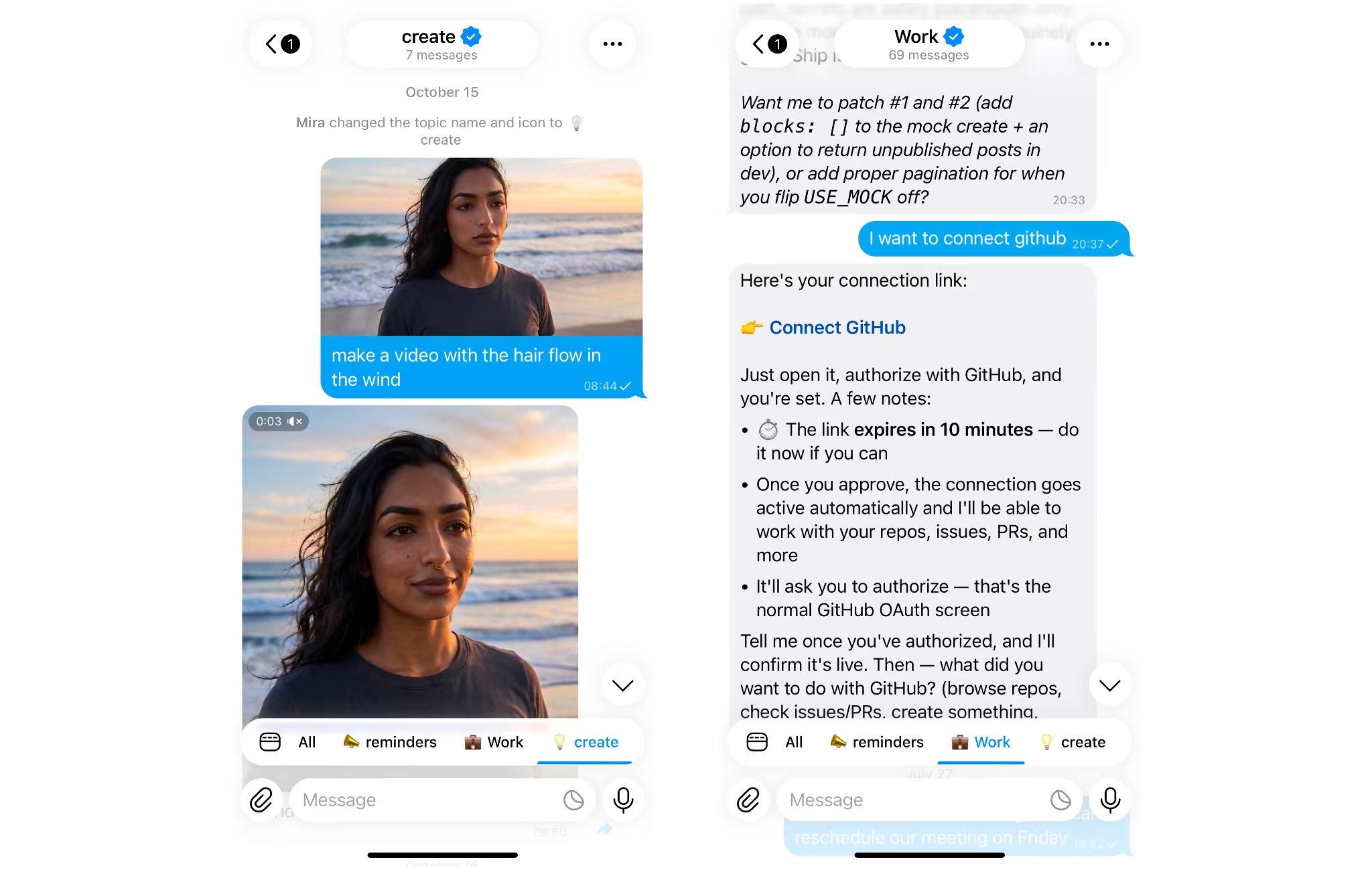
Mira is the free AI agent for handing off tasks, not just asking questions. It runs inside your messenger, remembers you between chats, and connects to 1,000+ apps like Gmail, Google Calendar, and Notion. It’s free to start, with no credit card and no setup.
Scheduled tasks are what set it apart. Mira can send a daily briefing at 9am, triage your inbox, or remind you before meetings, and it asks for approval before sending or changing anything. It defaults to GPT-4o, routes across 10+ models, and offers Private Mode for sensitive requests.
The trade-off is where it runs. Mira lives inside your messenger, so there’s no standalone web chat or separate app to open.
- Best for: an assistant that remembers you and runs tasks across your apps
- What's free: chat, memory, app connections, scheduled tasks, creator tools
- Limits: free usage caps; heavier daily use needs a paid plan
- Paid plan: Pro at $27/mo, Pro Max at $99/mo
- Choose it if: you want a free AI agent app that acts instead of advising
3. Claude: best for long documents and writing
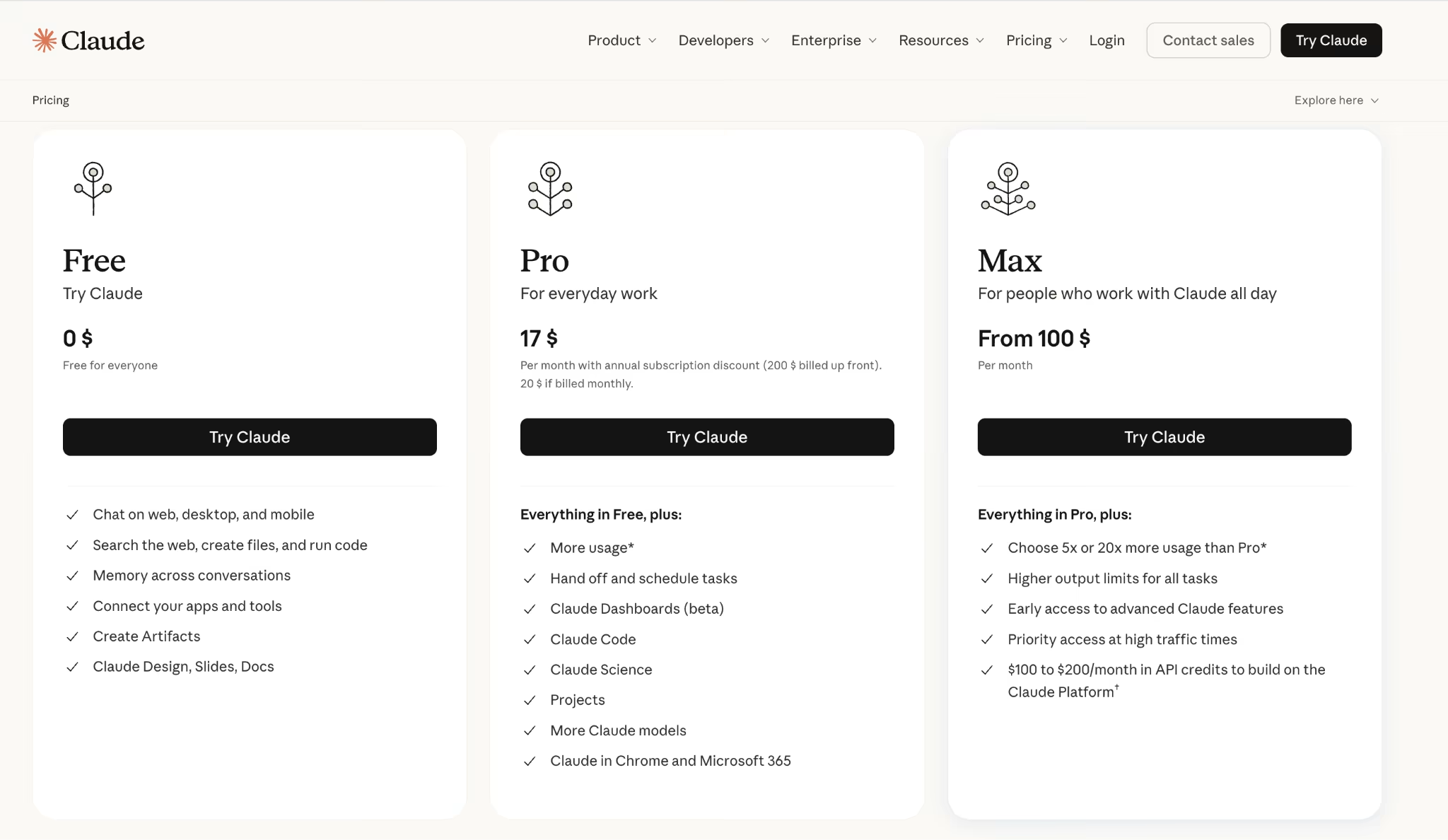
Claude's free plan is the strongest option for reading and writing long material. It handles large documents in one go and accepts up to 20 files per chat, each up to 30 MB.
The cost is volume and breadth. Free users get roughly 15 to 40 messages every 5 hours, depending on conversation length. There's no voice mode or image generation on the free plan.
- Best for: contracts, research papers, and careful long-form writing
- What's free: a capable model, large context, file uploads, web access
- Limits: tight message cap, no voice or images
- Paid plan: Pro at $17/mo billed annually or $20/mo billed monthly
- Choose it if: your work is mostly reading and writing long text
See how Mira compares to Claude →
4. Google Gemini: best for Android and Google apps
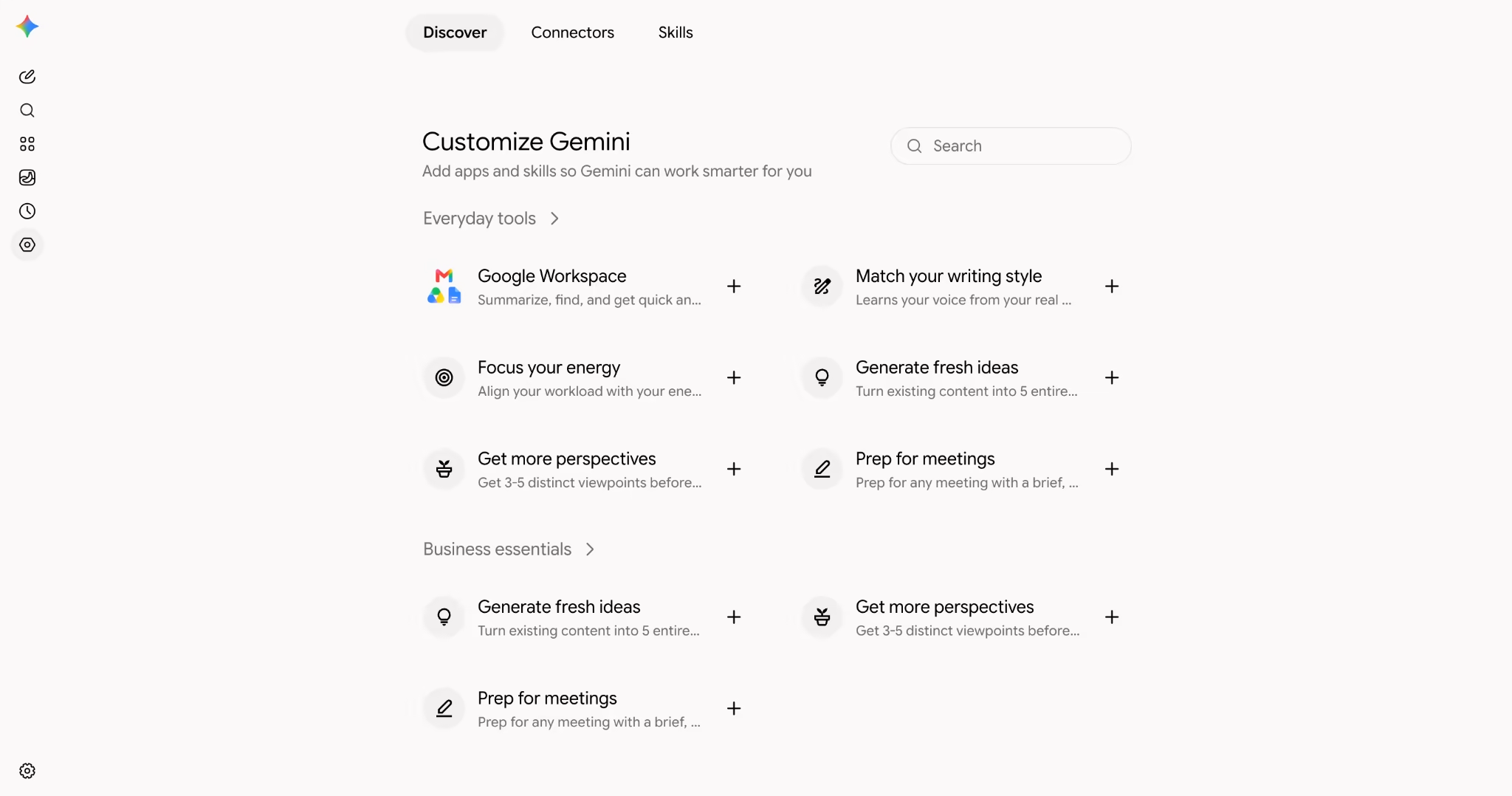
Gemini is the default assistant on most Android phones, which makes it the easiest free option there. The free plan includes Gemini Live for voice conversations and image generation.
The weak spot is long documents. The free consumer app caps context at 32K tokens, far below the 1M figure Google advertises for paid plans. Usage limits reset every five hours or weekly, depending on the feature.
- Best for: voice help on Android and quick image generation
- What's free: fast model, Gemini Live, image generation, video understanding
- Limits: small context window, five-hour and weekly caps
- Paid plan: Google AI Plus at $4.99/mo, Google AI Pro at $19.99/mo
- Choose it if: your phone runs Android and your life runs on Google
See how Mira compares to Gemini →
5. Perplexity: best for answers with sources
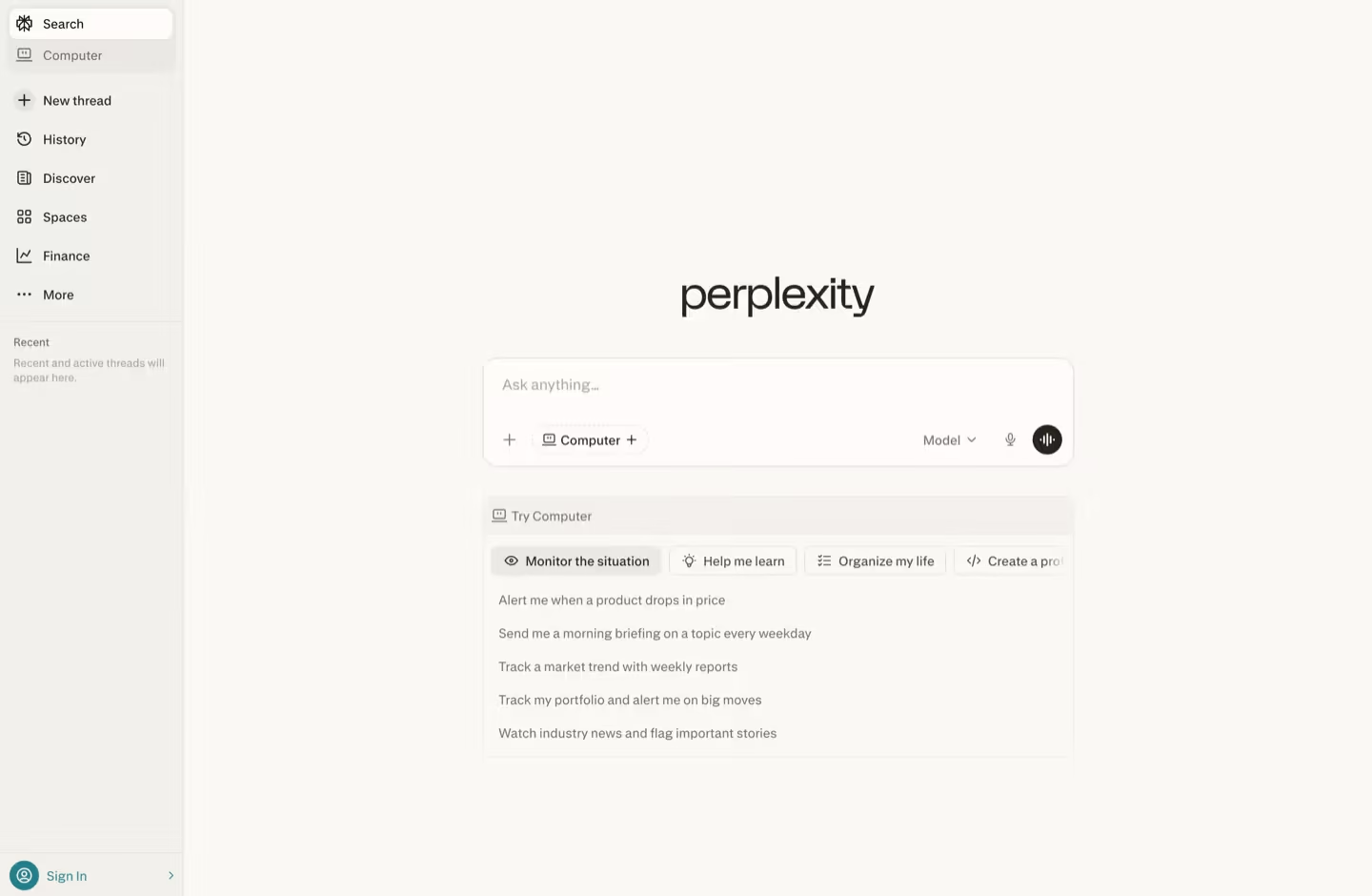
Perplexity is the best free option when you need to check where an answer came from. Every response shows its sources by default.
Basic answers are unlimited. Harder questions route through stronger models only 5 times a day on the free plan, and image generation is paid-only.
- Best for: research and fact-checking
- What's free: unlimited basic answers with sources, 3 Pro answers per day
- Limits: daily Pro cap, no images
- Paid plan: Pro at $20/mo
- Choose it if: you need citations you can verify
See how Mira compares to Perplexity →
6. DeepSeek: most generous free limits
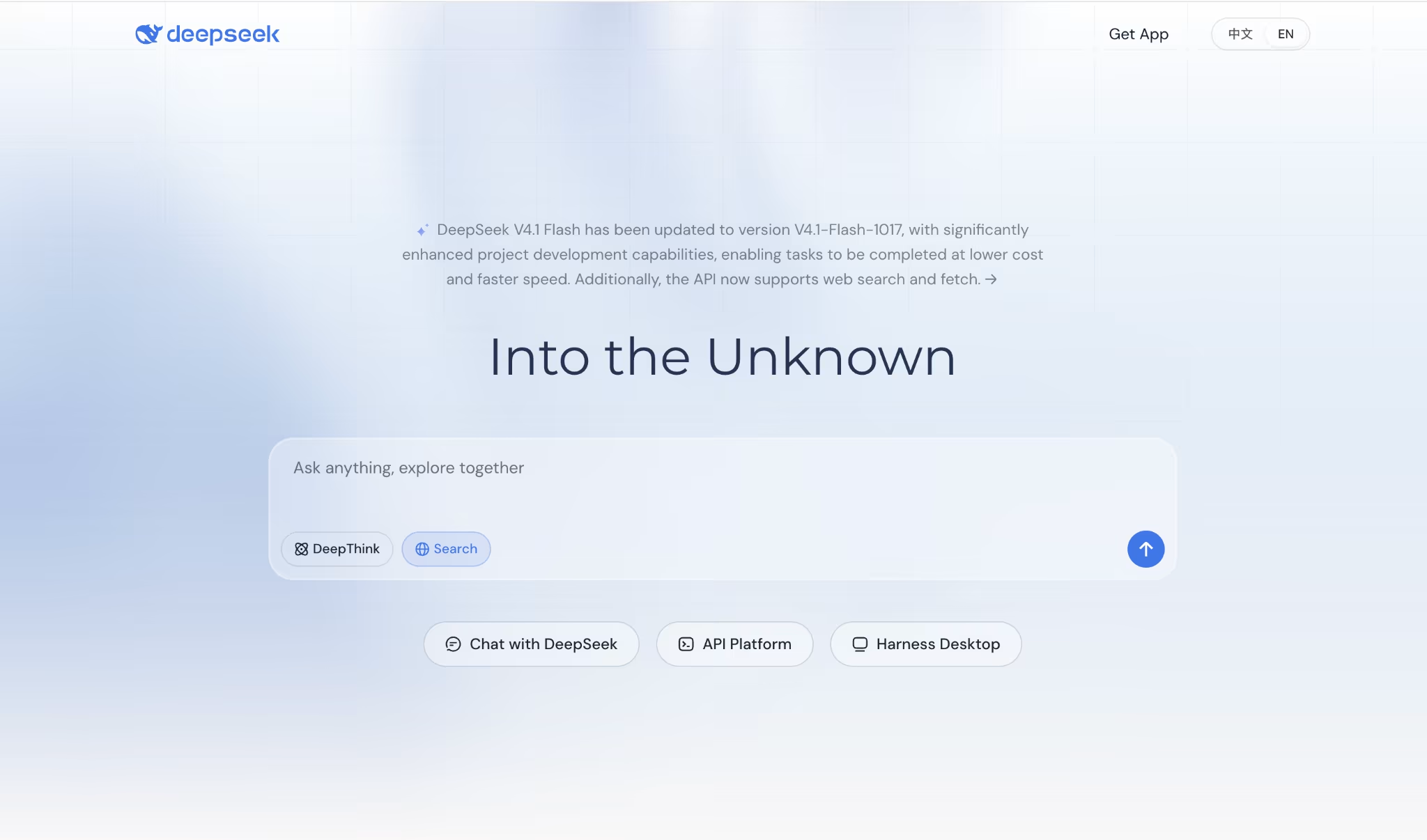
DeepSeek has the most generous free plan of the major assistants. It publishes no message cap and includes a thinking mode for step-by-step reasoning.
Two catches. Responses slow down at peak hours, and the service is hosted in China, which matters if you handle sensitive work. There's no voice or image generation.
- Best for: coding, math, and reasoning at high volume
- What's free: chat, thinking mode, file uploads, web access
- Limits: peak-hour throttling, data hosted in China
- Paid plan: no consumer plan; the API is pay-per-use
- Choose it if: volume matters more than polish
See how Mira compares to DeepSeek →
7. Microsoft Copilot: best for Microsoft users
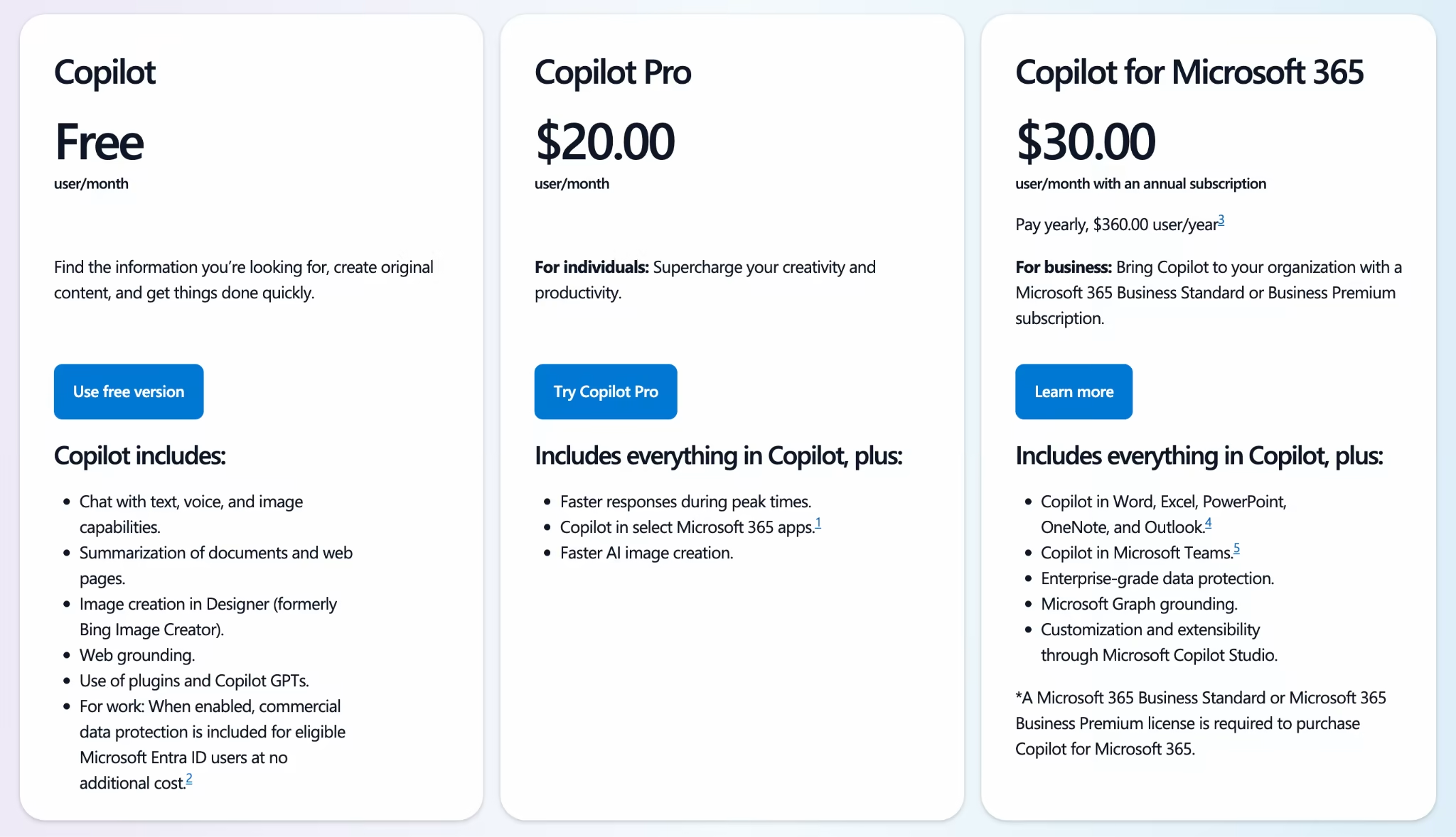
Copilot gives you a capable free assistant with voice and image generation. You get 15 fast image generations a day before it slows down.
The part most people want, Copilot inside Word, Excel, Outlook, and Teams, is paid. Microsoft also doesn't publish its free message cap.
- Best for: casual questions and quick images
- What's free: chat, voice, image generation
- Limits: undisclosed daily cap, Office features are paid
- Paid plan: Microsoft 365 Personal at $9.99/mo, Copilot Pro at $20/mo
- Choose it if: you already work in Microsoft 365
See how Mira compares to Copilot →
8. Meta AI: best free assistant inside social apps
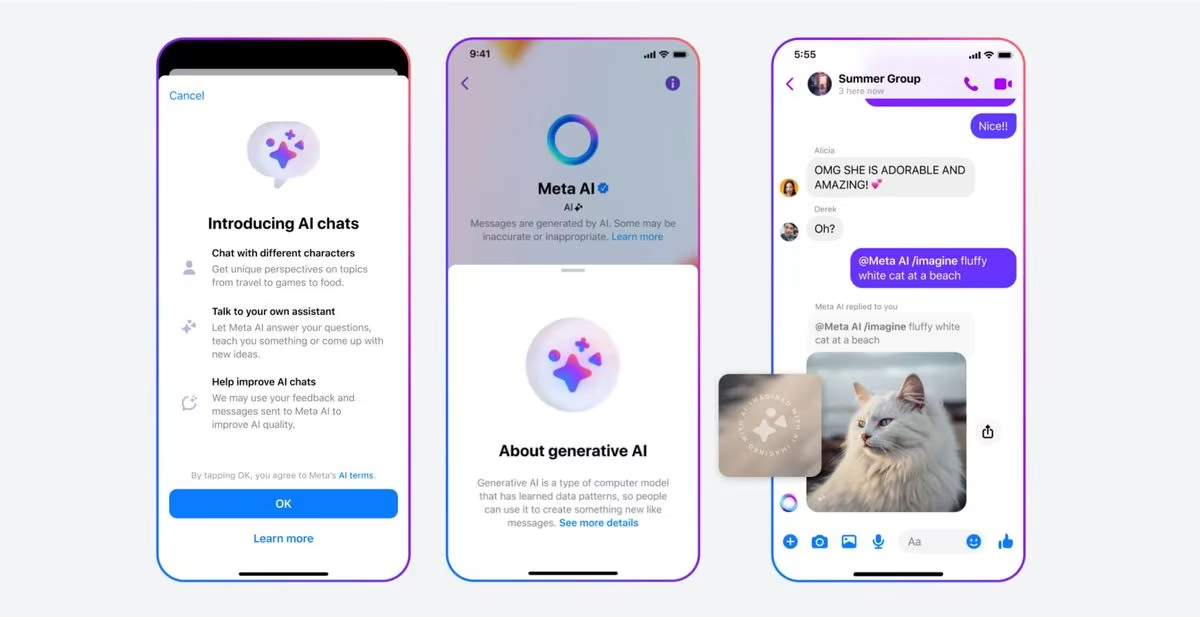
Meta AI is free inside WhatsApp, Instagram, and Messenger, with no separate account. It's there when you need a quick answer mid-conversation.
It's built for casual help, not work. You can't upload documents in the chat apps, and limits vary by app and region.
- Best for: quick answers and images without leaving a chat
- What's free: chat and images in WhatsApp, Instagram, and Messenger
- Limits: no document uploads in chat apps, unclear caps
- Paid plan: Meta One Core at $7.99/mo
- Choose it if: you want AI help in apps you already open daily
9. HuggingChat: best free AI assistant online for open models
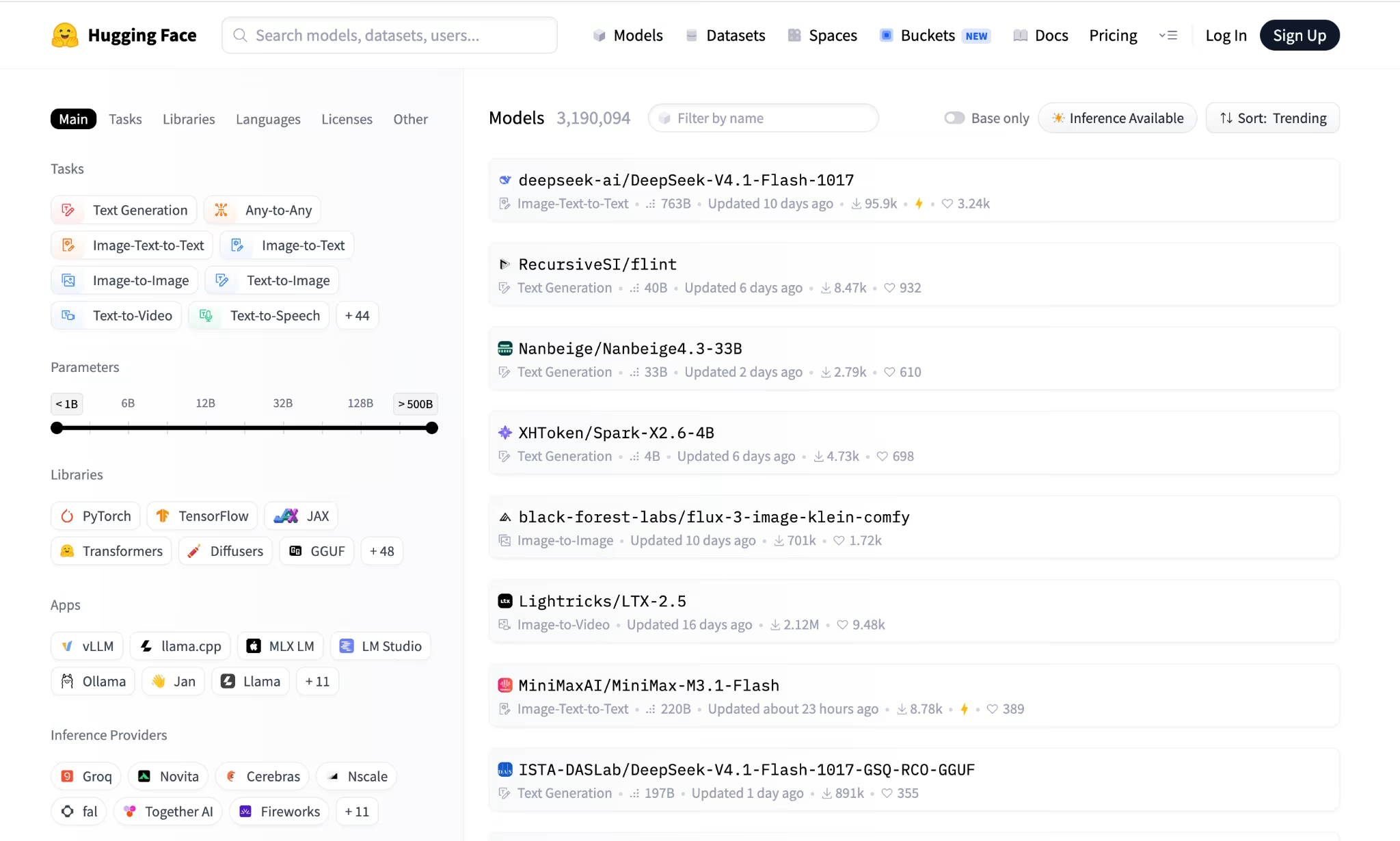
HuggingChat is the most flexible option in a browser. You can try 100+ open-source models in one place and switch between them in the same chat.
The trade-off is polish and setup. The interface is rougher than ChatGPT’s, some features need a free login, and extra compute is billed separately.
- Best for: exploring open-source models
- What’s free: 100+ models; free allowances vary
- Limits: some features need a login, extra compute is billed, model lineup changes
- Paid plan: Hugging Face Pro at $9/mo, Team at $20/mo
- Choose it if: you want to compare open models in a browser tab with nothing to install
Free AI assistant apps for your phone
The best free AI assistant app for your phone is the one you'll actually open. On Android that's often Gemini, since it's already there. On iPhone, ChatGPT's app is the most complete.
Best free AI assistant for Android
Gemini is the best free AI assistant for Android because it's built into the system. You can call it with a long press or a voice command, no install needed.
ChatGPT is the strongest standalone app on Google Play, with the best voice mode. Mira works inside the messenger app you already have, so reminders and briefings arrive as regular notifications.
Best free AI assistant for iPhone
ChatGPT is the most complete free AI assistant app on iPhone. Claude and Gemini both have solid iOS apps with the same free limits as their web versions.
Mira runs in your messenger on iOS too, so there's no new app to download.
One rule covers both platforms: the free app is only as good as the free plan behind it.
Free AI assistant online: tools that work in a browser
Every major tool on this list works in a browser tab. ChatGPT, Claude, Gemini, Perplexity, and DeepSeek all have web versions with the same free limits as their apps.
For the least friction, ChatGPT allows chat without an account where available, and HuggingChat lets you try open-source models in one place. Mira works through your messenger’s web and desktop versions, so it follows you from phone to laptop.
Free AI assistant vs free AI agent: what's the difference?
A free AI assistant answers when you ask. A free AI agent remembers you, connects to your apps, works on a schedule, and reports back.
Here's the difference in practice. With a chat assistant, you open the app and type "what's in my inbox?" Then you copy the answer somewhere useful. With an agent, a summary of what needs a reply lands in your chat at 9am, every day, without a prompt.
Three things make an agent:
- Memory: It keeps context between sessions, so you don't start from zero.
- Connections: It can read and act in Gmail, Calendar, Notion, and other apps.
- Triggers: It runs tasks on a schedule or when something changes.
Most free plans stop at chat. A free AI agent app needs all three, which is why so few exist. It's also why the idea of an AI employee is catching on: you delegate the work, not just the question.
What a free AI assistant can and can't do
A free AI assistant can write, summarize, research, and generate images. Some also remember your preferences and take actions in connected apps. The main restrictions are usage limits, file sizes, and access to integrations.
What you can do for free:
- Writing and editing: Draft emails, social posts, and reports; adjust tone, structure, and length.
- Document summaries: Extract key points, compare documents, and identify action items in PDFs or meeting notes, within upload and context limits.
- Brainstorming: Generate ideas, outlines, and first drafts using your goals and examples.
- Research: Find explanations and compare information. Assistants with web search can provide sources, but you still need to check whether those sources support the answer.
- Image generation: ChatGPT, Gemini, Copilot, and Meta AI offer free image creation, with limits that vary by tool.
- Memory and basic actions: Some free plans remember information across chats or work with connected apps.
What often needs a paid plan or a dedicated AI agent:
- Multi-step app automation: Turning an email into a calendar event, updating a document, and sending a reply requires supported integrations and permission to access each app.
- Scheduled work: Daily briefings, recurring checks, and follow-ups need a scheduling feature. Asking a chatbot to “remind me tomorrow” only works if it actually creates a scheduled task.
- Large files and sustained use: Long documents, repeated uploads, advanced research, and frequent image generation can exhaust free allowances. Paid plans raise limits but may still have caps.
- Reliable ongoing context: Free memory can help with preferences, but it does not guarantee complete recall of earlier conversations. Keep important instructions and project details in a saved document or workspace.
How to choose the best free AI assistant for you
Pick the tool whose free plan matches your most frequent task.
| If you need | Pick |
|---|---|
| Fast answers and polished chat | ChatGPT |
| Long PDFs and careful writing | Claude |
| Android and Google apps | Gemini |
| Sources you can check | Perplexity |
| High volume at zero cost | DeepSeek |
| An assistant that remembers you and gets tasks done in your messenger | Mira |
Most people end up using two: one for chat and one that acts.
How to start using Mira for free
Getting started with Mira takes about 10 seconds and costs nothing. There's no app to install, no sign-up form, and no credit card.
- Open @mira in Telegram: Tap the link below and start a chat in your messenger.
- Ask for what you need: Send a question, or say "Connect my Gmail" to link your first app.
- Set a recurring task: Ask for a daily briefing at 9am or a reminder before each meeting.
From there, Mira remembers what you share and gets faster at the tasks you repeat. Most free AI assistant tools stop once they've answered. Mira keeps working after the chat ends.