Your AI agent for FP&A and finance teams

Mira is an AI agent for finance teams that lives in your messenger and connects to Stripe, NetSuite, Brex, Xero, Google Sheets, and 1,000+ apps. Automate recurring reporting, compare actuals with budget or previous periods, surface the numbers that need attention, and turn analysis into management-ready updates.
THE PROBLEM

Your finance work still starts with manual data prep

Weekly reporting, variance analysis, forecasts, management updates, and ad hoc requests often start the same way: pull numbers from different systems, check the latest figures, compare periods, and rebuild the analysis. Mira automates the recurring work around financial analysis, so your team can start with what changed, why it matters, and what needs attention.
📊

Reporting starts with data prep

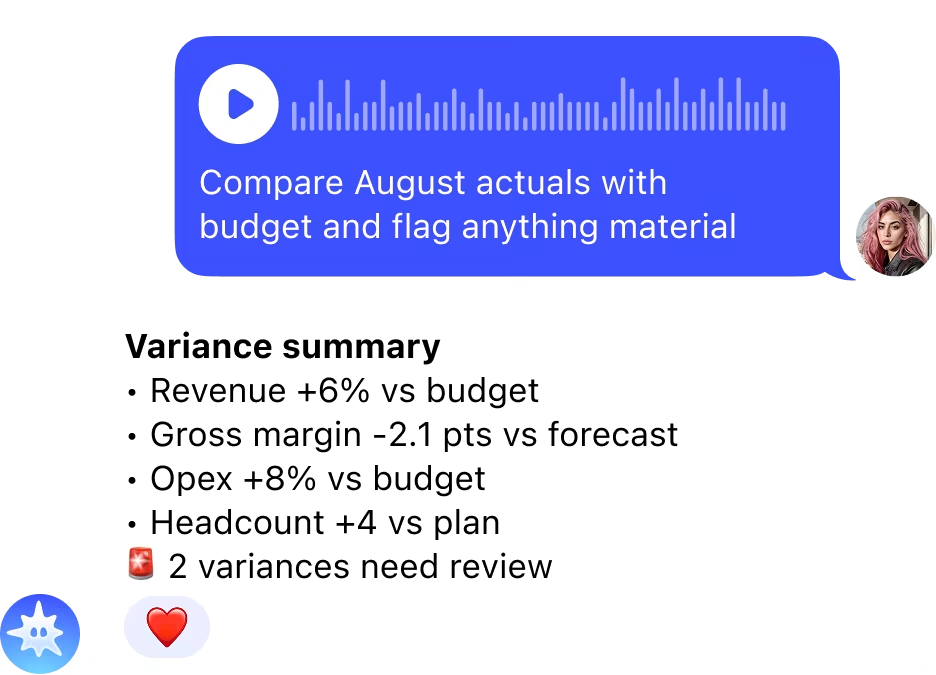
Every reporting cycle begins the same way: open the spreadsheet, pull the latest figures, check the period, and compare them with budget, forecast, or prior results. The analysis only starts once the manual prep is done.
🔍

Important variances are easy to miss

Revenue, margin, Opex, headcount, and other KPIs can move in different directions at once. Finding the numbers that actually need attention means scanning rows, calculating differences, and working out which changes are material.

📝

Analysis still has to become a deliverable

The numbers are only half the job. Finance still has to turn them into variance commentary, a management update, a shorter summary, or a presentation. The same analysis gets reformatted again and again for different stakeholders.

HOW IT WORKS

What Mira does for finance teams

1
Reporting

Get your key numbers on a schedule

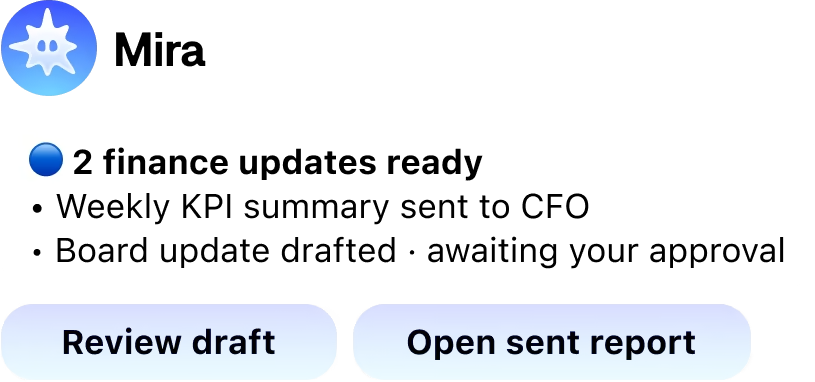
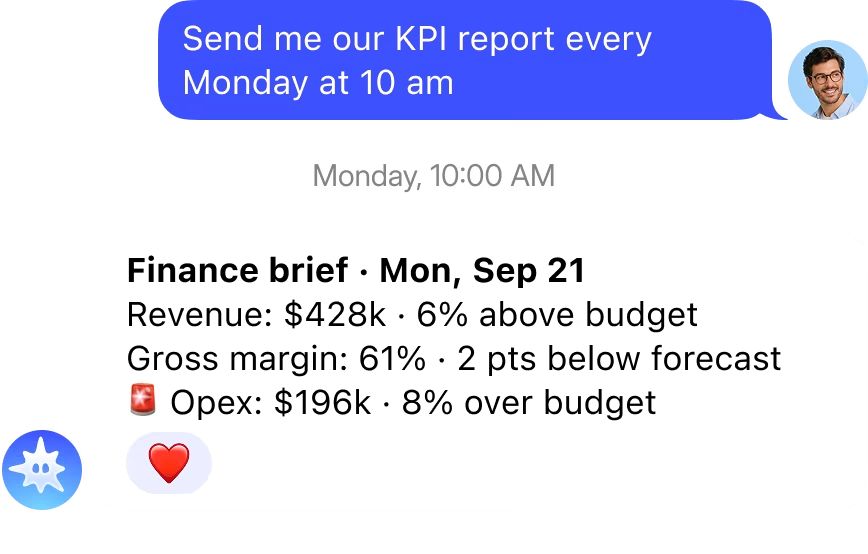
Tell Mira which KPIs matter and when you need them. It reads the latest figures from your connected spreadsheet, compares them with the relevant period, and sends a clear finance summary to your chat before your first call.

  • ✦ Receive your key KPIs daily, weekly, or monthly at the time you set.
  • ✦ Compare actuals with budget, forecast, or a previous period and see the difference clearly.
  • ✦ Connect Google Sheets once and let Mira pull the figures for recurring updates.
  • ✦ Ask for a summary of any week, month, quarter, or reporting period in plain language.
2
Variances

Surface what changed before you start digging

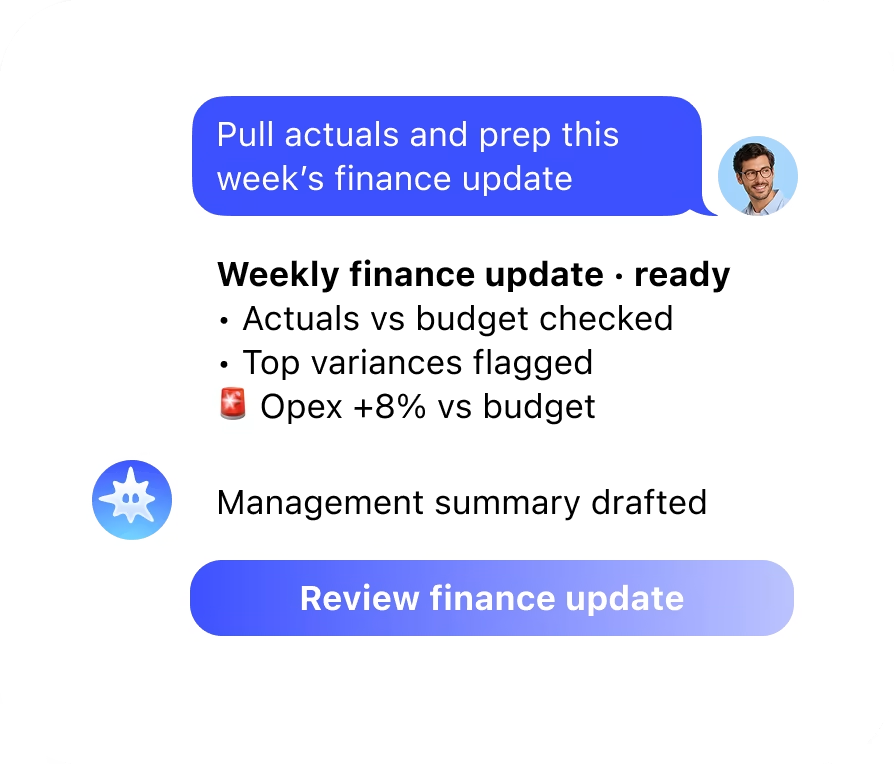
Instead of scanning every line yourself, ask Mira to compare periods and bring the largest movements to the top. Use it to find where revenue, costs, margin, headcount, or other KPIs moved enough to need a closer look.

  • ✦ See the biggest increases and decreases across the metrics you track.
  • ✦ Compare actual results with the benchmark used in your reporting.
  • ✦ Focus the update on the movements that are large enough to matter.
  • ✦ Ask about a specific KPI, period, or change and continue the analysis in chat.
3
Deliverables

Turn the analysis into the update people need

Connect Gmail and Calendar to see what needs your attention, or drop in a report, spreadsheet, or document. Mira can turn the same underlying analysis into a management summary, readable commentary, or presentation without rebuilding it from scratch.

Anything it sends on your behalf waits for your approval first.

  • ✦ See meetings, deadlines, priority emails, and recurring finance updates in one message.
  • ✦ Turn figures and tables into concise written explanations.
  • ✦ Turn a report or analysis into a presentation.
  • ✦ Rewrite spreadsheet data and financial tables as readable summaries.

Still have questions? Just ask Mira

The fastest way to understand what Mira can do is to try it. Open the app - it takes 10 seconds.
Message Mira
  • Zero setup
  • No credit card
  • Works in your messenger
INTEGRATIONS

Connect the tools behind your reporting

From NetSuite and Xero to Stripe, Brex, QuickBooks, and Google Sheets, Mira connects to the systems where your financial data already lives. Pull actuals, payments, expenses, and reporting data into recurring workflows, then send the output to the tools your team uses to review and share it.
+1000 more
Google AanalyticsAhrefs
Google SheetsAmplitude
Google AdsSlackMeta
TikTokHubspot
LinkedIn KVYO
Google AanalyticsSlackGoogle AdsMetaGoogle SheetsTikTokAmplitudeHubspot
AhrefsLinkedIn KVYO

Ready to connect your stack?

OTHER SOLUTIONS

Mira works for everyrole on your team

Same agent, different stack. Marketing gets Google Ads and HubSpot, engineering gets GitHub, finance gets Stripe. Everyone works from the chat they're already in
  • Founders & CEOs

    Business overview
  • Developers

    GitHub, CI/CD, deploys
  • Sales Teams

    CRM & pipeline
  • Creators

    Content & monetisation
  • Traders & Web3

    Binance, Bybit, DeFi
  • Project Managers

    Jira, Linear, Notion
  • Finance & Accounting

    Stripe, QuickBooks
  • HR & Recruiting

    Onboarding & hiring

FAQ

  • What is the best AI for finance teams in 2026?

    The best AI for finance depends on the function. For financial modelling: Excel Copilot or Notion AI. For forecasting and FP&A: Pigment or Anaplan with AI layers. For a general AI agent that connects your finance stack, pulls reports on demand, flags anomalies and drafts board updates from a messenger without a separate dashboard: Mira. It handles both structured data requests and written communication from one chat with no per-seat fee.

  • How do AI agents help finance professionals?

    AI agents for finance handle the reporting and communication layer that takes most of a finance professional's day: generating P&L summaries, flagging budget overruns, drafting CFO updates and responding to ad-hoc data requests from leadership. Mira connects to Google Sheets, Notion, Gmail and 1,000+ tools and delivers all of this from a messenger chat, so finance teams spend less time pulling numbers and more time acting on them.

  • Can Mira connect to finance dashboards and reporting tools?

    Yes. Mira connects to Google Sheets, Notion, Airtable and other finance tools via OAuth. Once connected, ask for last week's revenue breakdown, flag any line items over budget or draft an executive summary of the month's performance, all from a single message. It also connects to Gmail for financial correspondence and reminders so follow-ups on overdue approvals or reports happen automatically.

  • Does Mira work for an entire finance team?

    Yes. Add Mira to a group chat and any team member can request a report, flag a discrepancy or delegate a task with an @mira mention. Mira remembers the team's reporting formats, tool connections and naming conventions across conversations, so handoffs between team members require no re-briefing. Multiple people can work with Mira simultaneously without blocking each other.

  • Is there a free AI tool for finance professionals?

    Yes. Mira has a permanent free tier with no card required that includes financial document analysis, report drafting and tool integrations. Google Sheets AI features come with Workspace. For finance professionals who need AI assistance without an enterprise software budget, the combination covers most everyday reporting and communication needs without a dedicated finance AI subscription.

Still have questions? Just ask Mira

The fastest way to understand what Mira can do is to try it. Open the app - it takes 10 seconds.
Message Mira
  • Zero setup
  • No credit card
  • Works in your messenger