AI Legal Assistant: How AI Is Transforming Legal Work in 2026
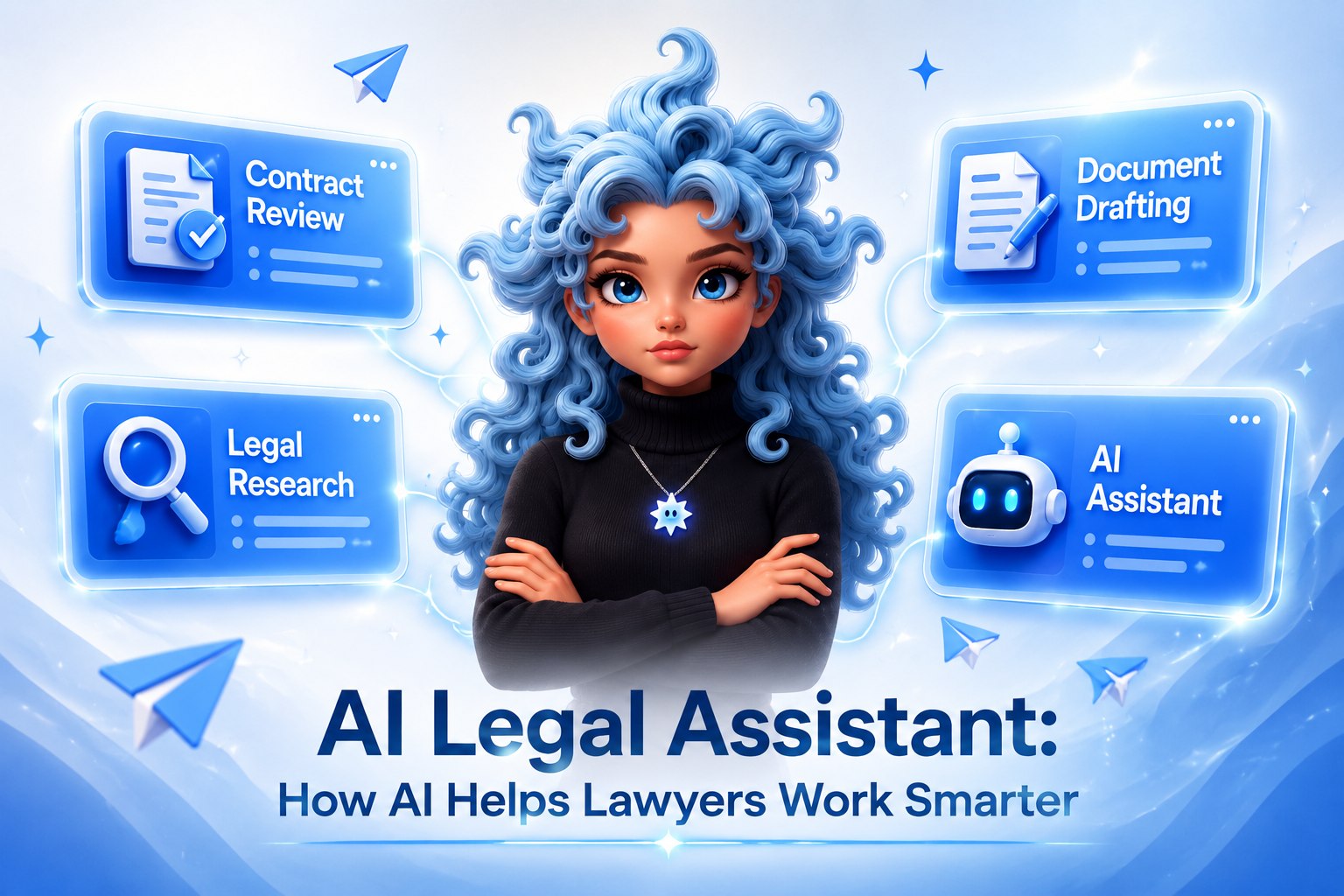
An AI legal assistant is software that uses large language models to handle legal tasks from written instructions – reviewing contracts, researching case law, drafting demand letters, and summarising agreements.
In Thomson Reuters' 2026 Future of Professionals Report, 87% of legal professionals said generative AI will be central to their workflow within five years, and 74% already use it several times a week, mostly for legal research, document review, and summarization.
This guide is for in-house lawyers at tech and product companies, and for founders or managers who need legal clarity without a full-time lawyer on staff. It covers what AI for lawyers actually does well, and where a tool like Mira, built right into Telegram, fits into an actual legal workflow.
What is an AI legal assistant?
An AI legal assistant is software that uses large language models (LLMs) to perform legal tasks from written instructions. You describe what you need, analyze this clause, draft a termination letter, summarize this NDA, and the tool returns a structured output in seconds.
The category of AI legal assistant software spans a wide range. Enterprise platforms like Harvey and Thomson Reuters CoCounsel are built for AmLaw 100 firms. Accessible tools like Mira work directly inside Telegram, no enterprise contract required.
What they share is the ability to process legal documents, surface risks, generate drafts, and answer legal questions without requiring a lawyer for every step.
The real distinction from a general-purpose AI tool is verifiability. Legal AI assistants are built to cite sources, flag what they can't confirm, and return outputs a professional can review and own.
What AI legal assistants can and cannot do
AI legal assistants are strong at analysis, drafting, and summarizing, and they stop short of anything that needs judgment, verification, or courtroom representation.
Setting the right expectations upfront matters, so here's the honest breakdown.
The most effective users treat AI output as a first draft, one that needs professional review before any document is signed or sent.
🟢 Prompt - Contract risk scan
6 legal tasks where AI saves the most time
The time savings cluster around six recurring tasks: contract review, research, drafting, summarization, compliance checks, and communication. None of it requires real legal judgment.
Here's what each looks like in practice.
1. Contract review and risk flagging
Reviewing a 30-page vendor agreement used to take 2–3 hours. An AI for contract review can extract key terms, flag non-standard clauses, and produce a risk summary in minutes. The lawyer reviews the flagged items, not the full document from scratch.
This is where AI legal document analysis delivers the clearest return on time invested. A founder checking a SaaS agreement, or in-house counsel scanning a supplier contract before a call, gets actionable output immediately instead of a blank afternoon.
2. Legal research
An AI legal research assistant can search the web for relevant statutes, precedents, and regulatory guidance, then return a structured summary with sources. In an unfamiliar area of law, that compresses hours of reading into minutes.
Important: always verify citations. AI tools can surface the right direction, but they may not capture jurisdiction-specific nuance or recent case updates.
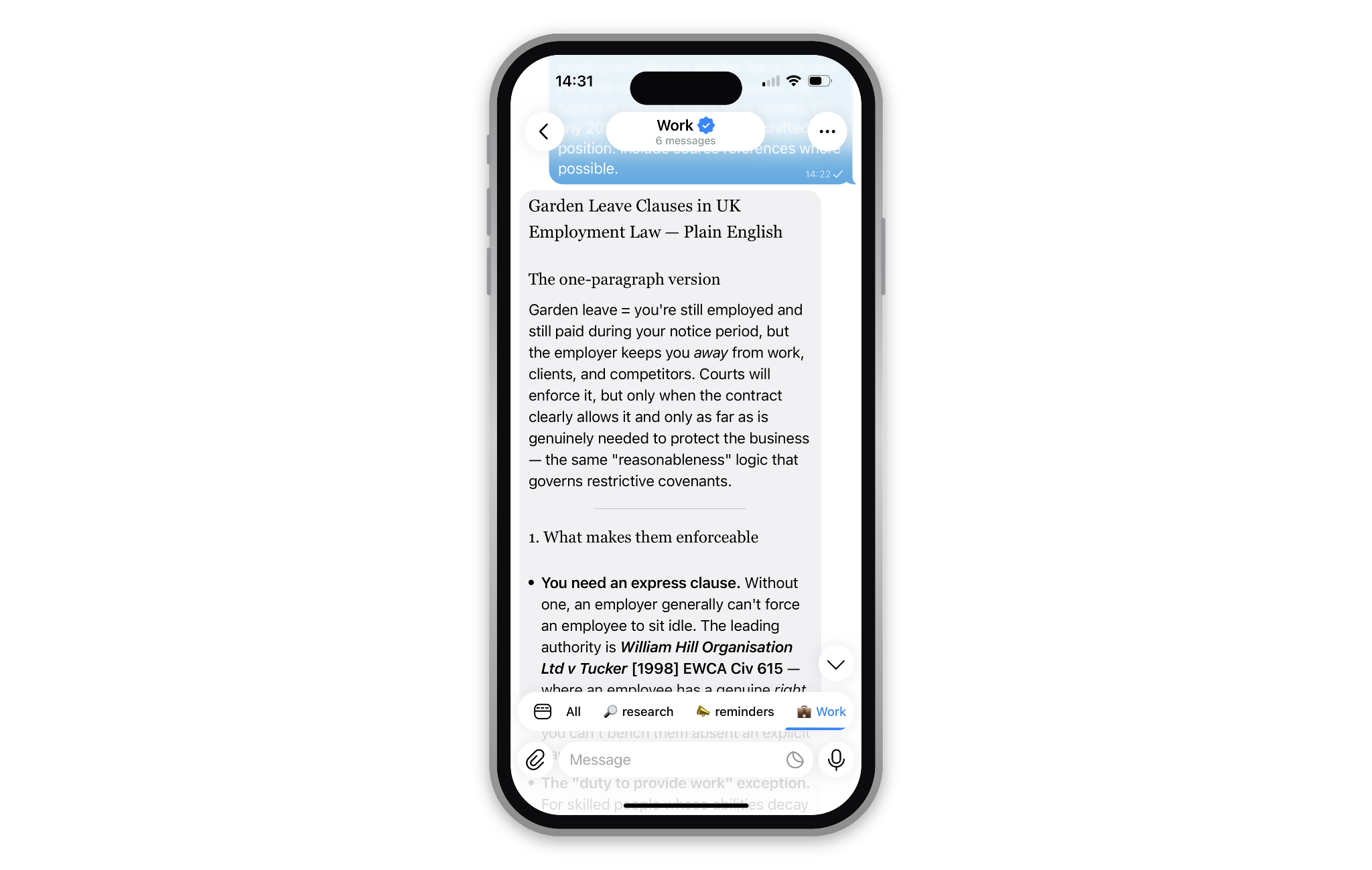
Mira helps with legal research by explaining legal concepts, summarizing regulations, and answering legal questions in clear, plain English.
🟢 Legal research
3. Drafting documents and letters
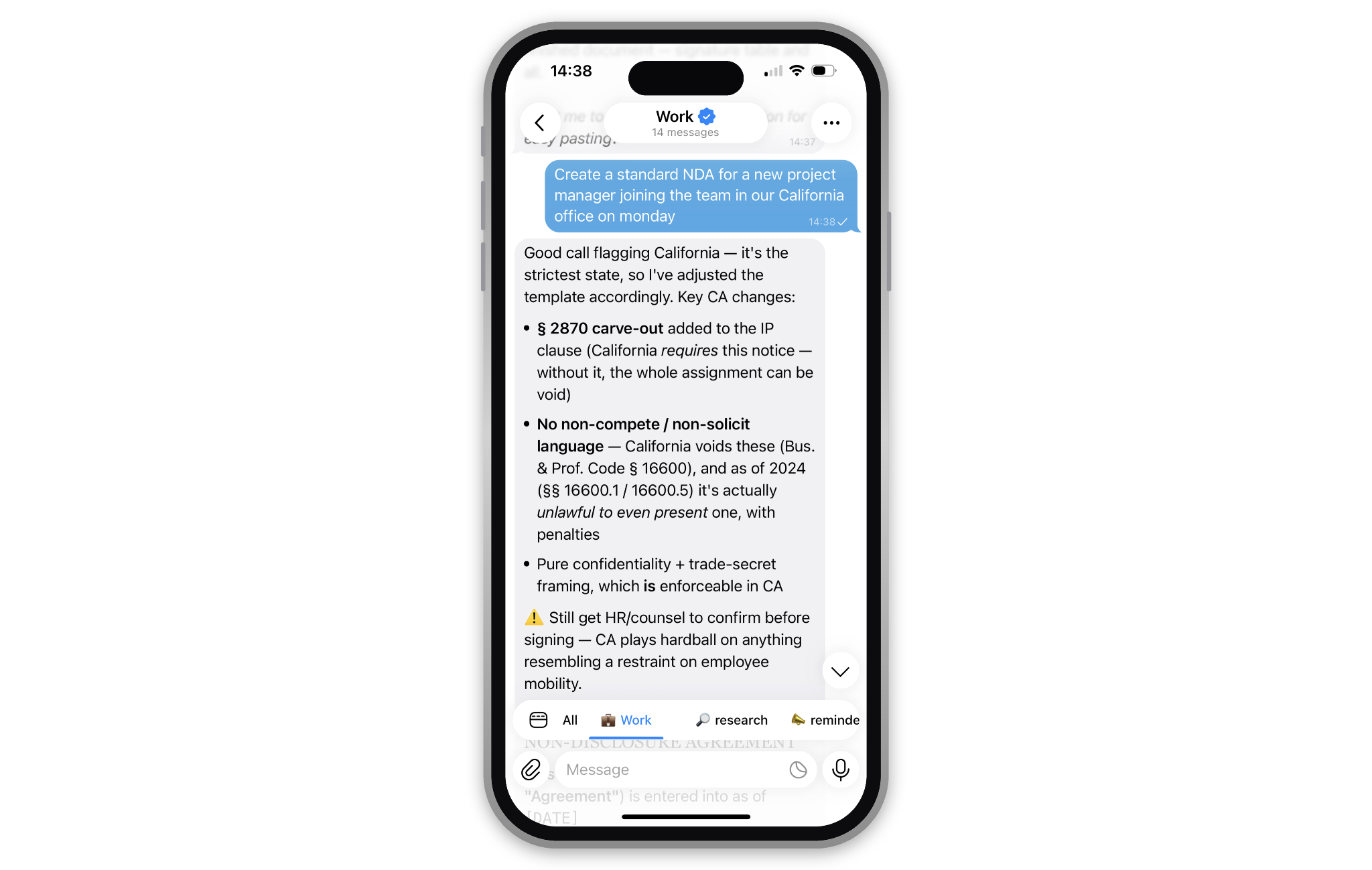
Mira makes drafting legal documents simple even for people without a legal background.
AI handles first drafts of NDAs, demand letters, contractor agreements, privacy notices, and regulatory responses. For an in-house lawyer managing multiple departments, that means never starting from zero on routine documents.
For founders using a free AI legal assistant, that means a basic contractor agreement or client-onboarding document no longer needs an immediate legal spend. It needs a review instead, which costs a lot less.
4. Document summarisation
A 60-page partnership agreement becomes a one-page summary of key obligations, deadlines, payment terms, and exit conditions.
AI legal document analysis is particularly useful before board meetings or due diligence when decision-makers need the substance without the clause-by-clause read.
5. Compliance and policy checking
GDPR notices, cookie policies, privacy frameworks: AI tools for lawyers can check any of them against a compliance checklist, flag gaps, and suggest corrective language.
That's especially useful for startups entering a new market for the first time.
6. Communication drafting
Formal letters to counterparties, client-facing explanations of complex terms, regulatory correspondence: tone matters enormously in legal communication, and AI can adjust tone, formality, and jurisdiction-appropriate language on demand.
🟢 Prompt - Document drafting
Best AI legal assistant tools in 2026: Table comparison
No single tool fits every legal workflow, and the honest answer to "what's the best AI legal assistant" depends on whether you're an AmLaw 100 firm or a five-person startup.
Whether you're weighing the best AI for lawyers at an enterprise firm or the best legal AI for non-lawyers as a founder, here's how the main options in this category of AI software for lawyers actually compare.
If you don't need enterprise software, and just want free AI tools for lawyers to handle routine legal tasks, Mira is a practical starting point: upload a contract, ask specific questions, get a structured response, all inside a Telegram chat.
How Mira handles legal work in Telegram
Mira is a personal AI agent that lives natively inside Telegram. It's model-agnostic by design: Claude, GPT-4o, or Qwen3-32B in Private Mode, chosen by task. That matters for legal work, where a routine clause check and a privileged document shouldn't be handled the same way.
And Mira remembers your company, your role, and what you asked last week, so you're not rebuilding context before every question.
For legal use cases specifically, Mira can help with:
- Document analysis: Upload a PDF or DOCX and ask specific questions — "What is the liability cap?", "Flag any auto-renewal clauses," "Summarize the IP ownership terms."
- Research: Mira uses web search to find statutes, regulatory guidance, and recent legal developments, returning results with sources.
- Drafting: Generate first drafts of NDAs, termination letters, and compliance notices from a plain description of your situation.
- Translation and adaptation: Rewrite a clause in plain English, or adapt a UK agreement for a US context.
- Memory: Mira remembers your company, role, and past questions across conversations, so you're not re-explaining context every time you ask something legal.
- Group chats: Add Mira to a team Telegram group — legal questions get answered in the conversation where they come up.
- Private Mode: Route sensitive documents through a Trusted Execution Environment on Mira's confidential compute network — even the node operator can't read the file, and nothing is stored. Useful when a contract is privileged or client-confidential.
If you need direct access to Westlaw or LexisNexis, courtroom-ready litigation support, or enterprise-grade compliance workflows, a dedicated platform will serve you better than Mira.
Where Mira wins is speed and accessibility for the drafting, reviewing, and researching that make up most day-to-day legal work, the layer that used to require either billable professional time or a standalone legal SaaS subscription.
There's no separate app to download, either. It's the messenger you're already in, backed by SOC 2 Type I and GDPR/CCPA-ready compliance.
🟢 Prompt - NDA summary
AI legal assistant for non-lawyers: what founders and managers need to know
Founders and managers get the most value out of AI legal tools by treating them like a fast paralegal, not a lawyer: upload the real document, ask specific questions, and verify before acting.
A product manager reviewing a vendor contract, a founder checking a term sheet, and a marketer signing an influencer agreement all run into the same problem: they need legal clarity without a law degree. In practice, that means:
- Upload first, ask second. Paste the actual document rather than describing it — AI is far more precise with the real text.
- Ask specific questions. Not "is this contract OK?" but "does this contract require 30 days' notice to terminate, and are there penalties if I terminate earlier?"
- Request plain English. Ask the AI to explain any clause you don't understand before asking whether it's standard.
- Use AI for comparison. "Is this liability cap typical for a SaaS agreement of this size?" helps calibrate whether to push back.
- Flag, then verify. Use AI to identify what to ask a lawyer about — not to replace that conversation for high-stakes documents.
📌 Rule of thumb
Where to start
AI legal assistants in 2026 are good at the work that doesn't require legal judgment: reviewing documents, researching statutes, drafting routine agreements, and turning legal language into plain English.
They're not good at the part where someone decides what to do about it — that's still your call, or your lawyer's.
For in-house counsel at tech companies, the wins are contract review speed and first-draft quality — fewer hours on the fiftieth reseller agreement, more on the one deal that matters. For founders and managers, it's legal clarity on routine documents without pulling a lawyer into every question that turns out to have an obvious answer.
The most accessible place to start is Mira in Telegram. Upload a contract, ask a specific question, get a structured answer back in the chat you were already in. No new app, no onboarding, no seat to expense.
Open @MiraAgentBot in Telegram or visit t.me/mira.