AI for Teachers: Best AI Tools and Practical Guide 2026
According to recent surveys, teachers work up to 54 hours a week — and nearly half that time goes to tasks that never appear in front of students (Merrimack College Teacher Survey, 2024) lesson planning, report writing, parent emails, assessment creation. AI in education is changing that equation in 2026. According to RAND's American Educator Panels, AI tool adoption among U.S. teachers has grown significantly - with weekly use more than doubling since 2022
The question is no longer whether to use these tools, but which ones genuinely help and how to use them responsibly. This guide covers the best AI for teachers — from lesson planning to differentiation, report writing to student feedback — with a comparison table, ready-to-use prompts, and clear guidance on what works and what to be careful about.
What is AI in education - and why does it matter?
AI in education refers to tools that use large language models (LLMs) and generative AI to produce text, ideas, plans and resources from written instructions. You describe what you need, and the tool returns a first draft in seconds.
The most useful framing: AI is a fast drafting assistant. It does not know your class, your school's behaviour policy, or the child who was upset last Tuesday. But it removes the blank page from dozens of administrative tasks — and that time adds up quickly.
Common generative AI in education examples include using ChatGPT to draft a lesson structure, Claude to write report comments at the right professional tone, or Gemini to generate a differentiated worksheet — all from a single text prompt.
Key point
Benefits of AI in education: what the data shows
AI in education statistics paint a clear picture of why adoption is accelerating:
- 60% of U.S. K–12 teachers used AI tools during the 2024–2025 school year (EdWeek Research)
- McKinsey's research on generative AI suggests knowledge workers can reduce time on routine writing tasks by 20-40% - for teachers, that translates to meaningful weekly savings across planning, reporting and communication (McKinsey Global Institute, 2023).
- 73% of educators say AI helps them personalise learning for students with different needs (Microsoft Education Report 2025)
- The global AI in education market is projected to grow from $8.3 billion in 2025 to $57.2 billion by 2033, at a CAGR of 25.9% (Grand View Research, 2026)
The benefits of AI in education are most visible in five areas: lesson preparation, differentiation, assessment, communication and subject knowledge refresh. Each is covered in detail below.
Pros and cons of AI in education
Understanding both sides is what separates effective use from careless use. Here is an honest overview:
The pros and cons of AI in education ultimately come down to how you use it. The tools that save the most time are used by teachers who treat AI output as a first draft — not a final answer.
How AI saves time: the biggest wins for teachers
The benefits of using AI in education are most visible in six task categories that consistently top time-saving surveys:
- Lesson planning — a structured first draft from topic, year group and objective in under two minutes
- Report writing — comment banks, sentence stems and first drafts for individual students
- Differentiation — adapting one task to support, core and challenge levels without rewriting from scratch
- Assessment creation — quizzes, retrieval questions and rubrics aligned to specific objectives
- Parent communication — professional, tone-appropriate emails in seconds
- Subject knowledge refresh — a quick overview of unfamiliar content before a lesson
None of these requires technical knowledge. The core skill is writing a clear prompt — and that improves quickly with practice.
Lesson planning with AI: how to do it well
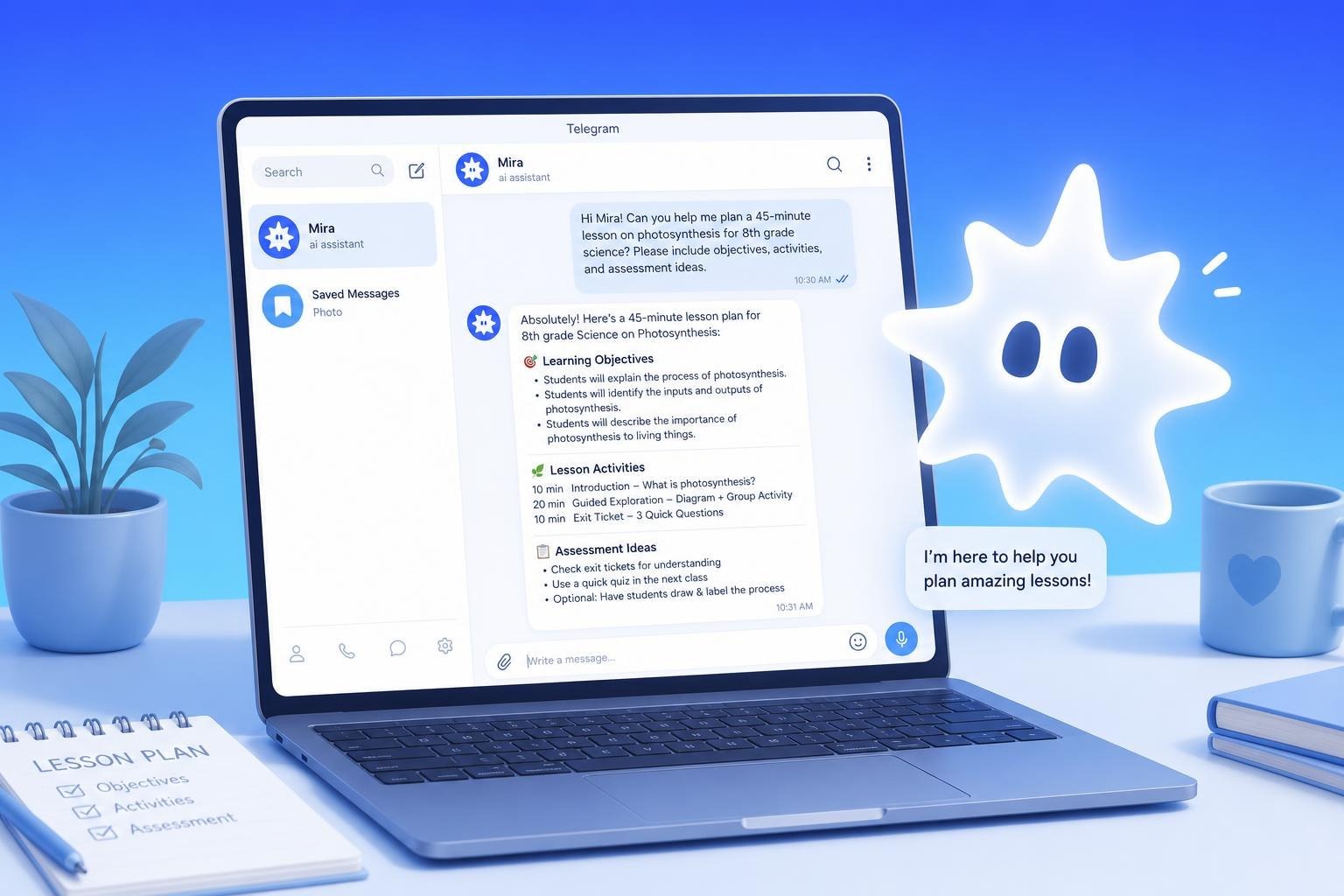
The most common starting point for AI for teachers is lesson planning — and with good reason. A well-written prompt produces a usable lesson structure in two minutes rather than twenty.
Specificity is everything. Vague prompts give vague plans. The more context — year group, topic, objective, prior knowledge, classroom needs — the more useful the output.
Prompt to copy
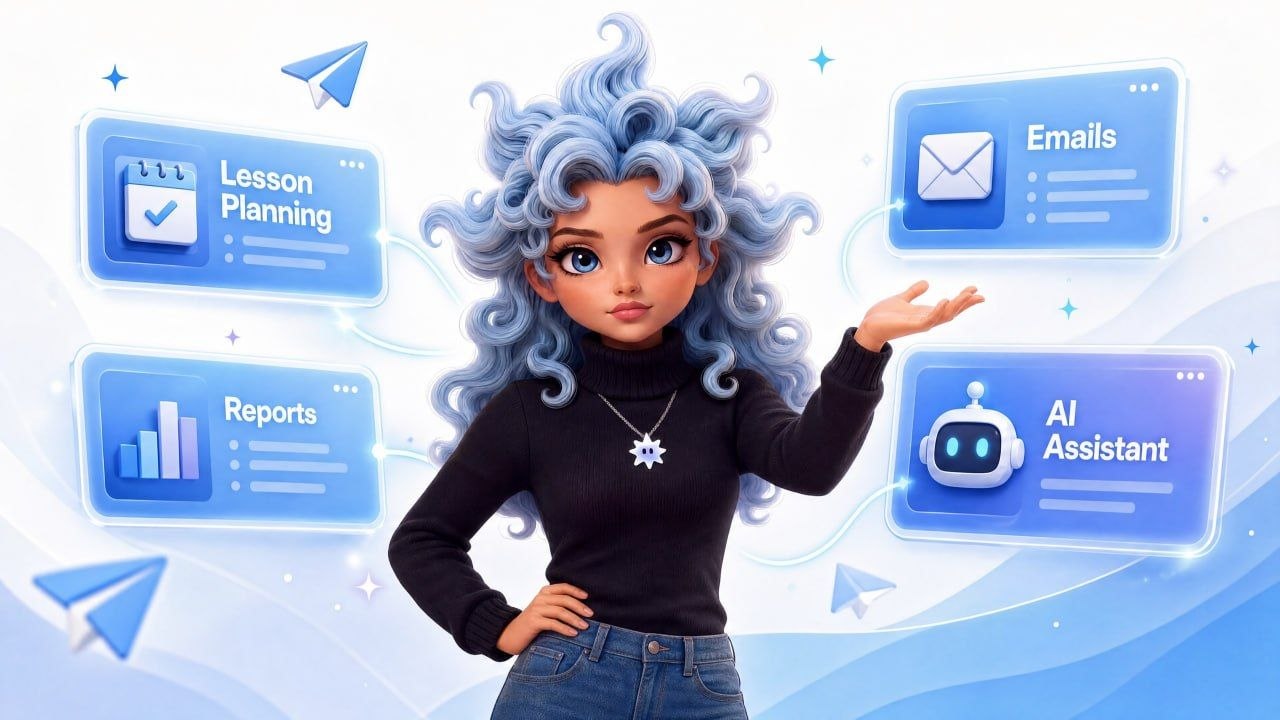
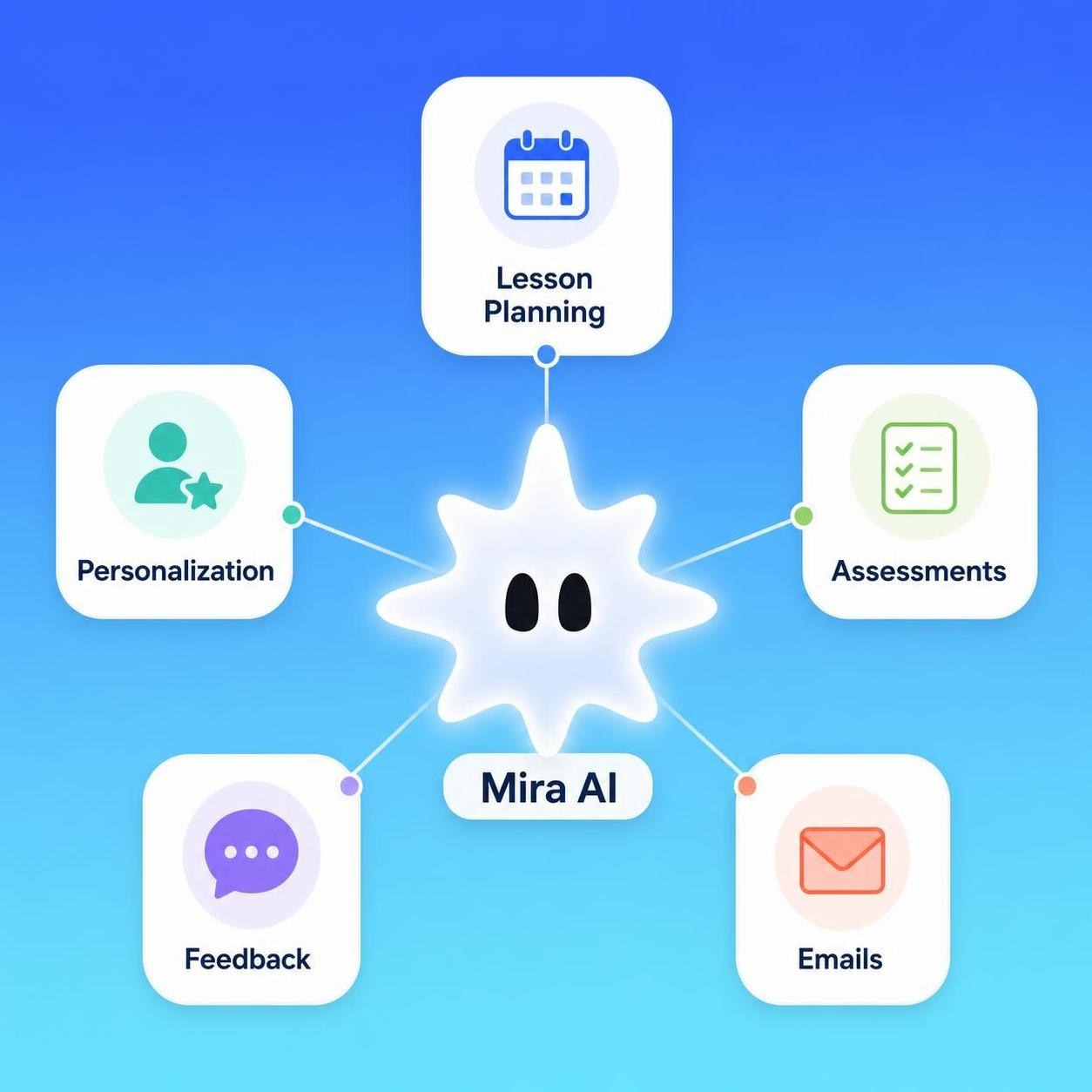
If you use Telegram during the school day, Mira — an AI agent available directly in the app — lets you generate a lesson starter or activity without switching tabs. Type your request in the same chat you already have open. The best tool is the one you actually open. If Telegram is already there, Mira is already there.
Other planning tasks where AI saves time consistently:
- Generating discussion questions and debate prompts
- Producing vocabulary lists with definitions
- Creating model answers for comparison
- Identifying likely student misconceptions before teaching a topic
- Suggesting cross-curricular links
- Drafting success criteria and assessment rubrics
Treat every AI lesson plan as a first draft. It does not know your class, your school's curriculum sequence, or what happened in the previous lesson. Edit, adapt, and own the result before teaching from it.
AI in education and personalised learning
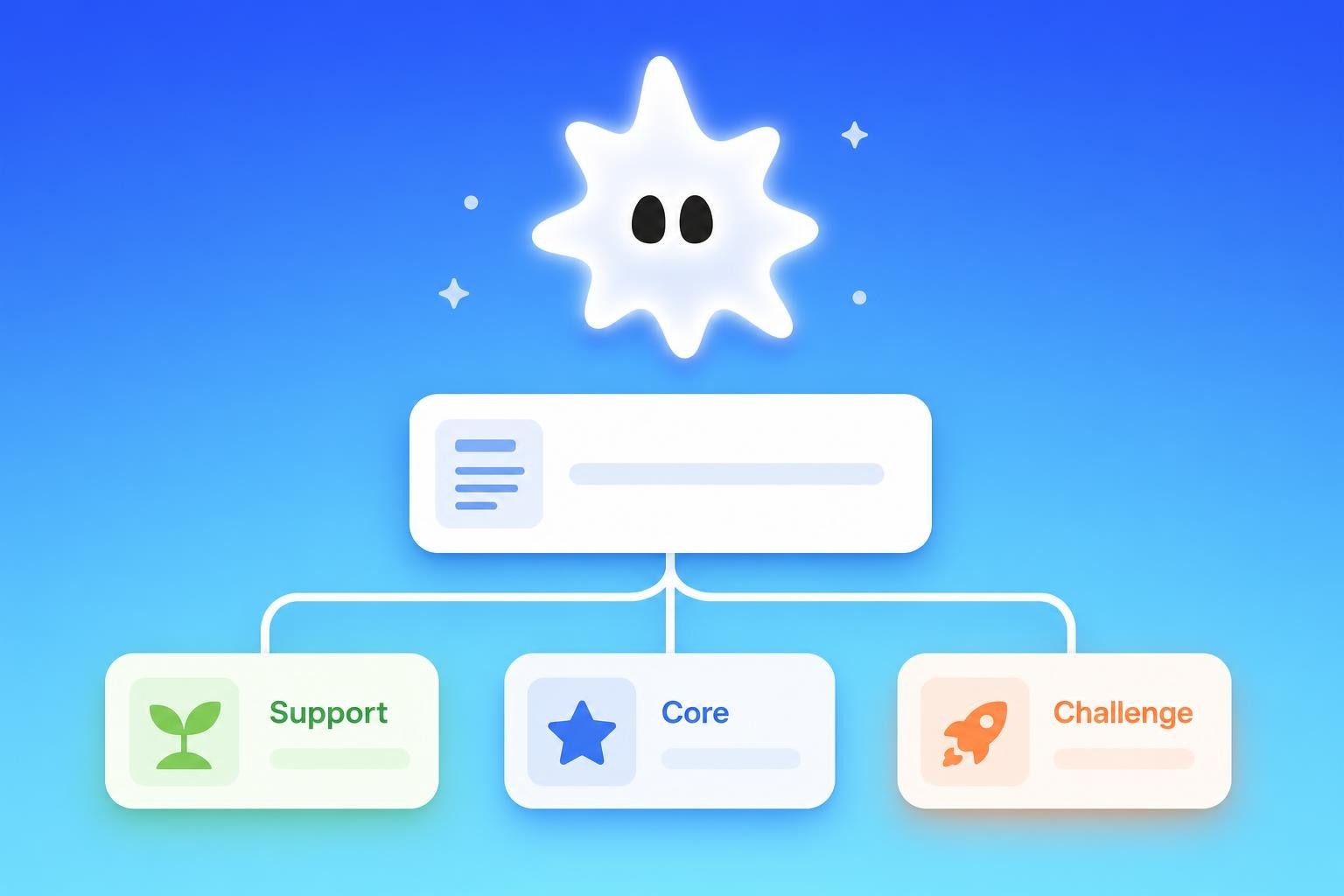
AI in education personalized learning is one of the areas generating the most genuine excitement — and one of the most misunderstood. Let's separate what AI can and cannot do here.
What AI can do: generate multiple versions of the same content at different reading levels, produce differentiated tasks from a single prompt, create vocabulary scaffolds and sentence starters, and adapt explanations to different learning styles on request.
What AI cannot do: decide what a specific named student needs, observe how a child is responding in the room, replace the professional judgement of a teacher or SENCO.
The benefits of generative AI in education for personalisation are real at the task-creation level. Platforms like Diffit take any text and produce versions at three reading levels in under a minute. Some schools use AI use cases in education like adaptive quiz platforms that adjust difficulty based on student responses in real time.
Prompt to copy
AI for differentiation, assessment and feedback
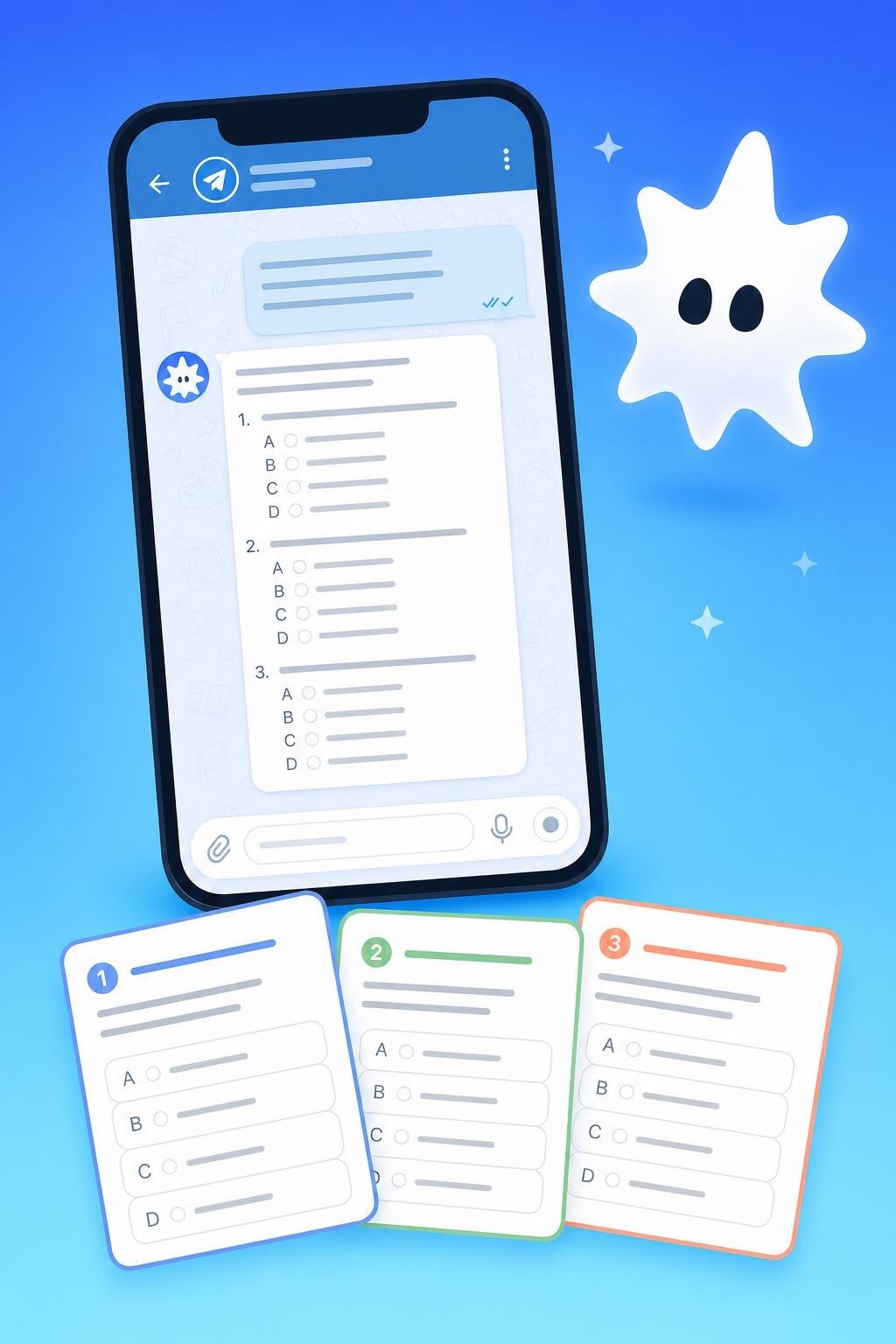
Differentiation is one of the most time-consuming parts of teaching — and one of the areas where AI offers the most practical help. Instead of manually rewriting the same task at three levels, you can do it in seconds.
Prompt to copy
For written feedback, AI produces sentence stems and comment frameworks — useful for report writing. Always personalise before publishing. AI drafts the structure; you bring the professional knowledge of the individual student.
AI for report writing and parent communication
Report writing is consistently cited as one of the highest-stress administrative tasks in teaching. AI helps in two ways: generating comment templates, and helping with wording once you know what you want to say.
Prompt to copy
The same approach works for parent emails — particularly useful when you need the right tone quickly.
Prompt to copy
Important: never paste identifiable student information into a public AI tool. Keep prompts anonymised. Replace names with roles ("a Year 8 student who...") and avoid SEND information, medical details or safeguarding notes.
Best AI tools for teachers in 2026 - comparison
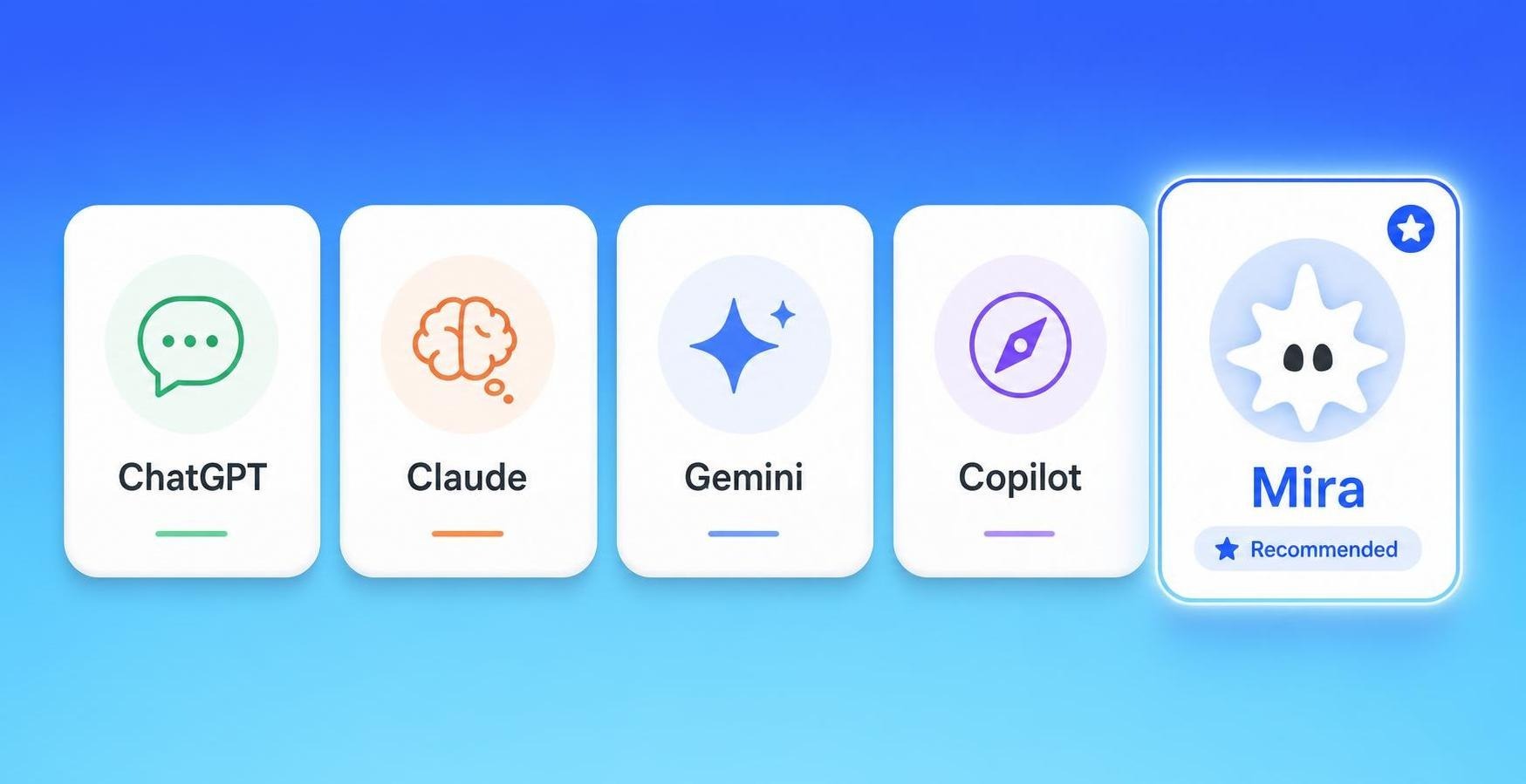
No single tool does everything. The best approach: start with the one that addresses your biggest time drain first. The table below covers the tools most consistently used by educators in 2026.
AI checker for teachers: detecting AI-generated student work
One of the most common staffroom questions in 2026: what do you do when a student submits AI-generated work? An AI checker for teachers — sometimes called an AI detector for teachers — analyses text for patterns characteristic of language models.
Tools widely used in education include Turnitin AI Detection, Copyleaks and GPTZero. Teachers most commonly ask how do teachers check for AI in written assignments — and the honest answer is that no tool is fully reliable.
What to know before relying on detection:
- No AI detector is 100% accurate. False positives occur — particularly for students who write clearly, or for non-native English speakers.
- Results should not be used as evidence alone. They are an indicator. Follow your school's academic integrity policy.
- The more effective response is assessment design. Tasks requiring specific class knowledge, personal experience or verbal follow-up are harder to complete with AI.
For schools using Google tools, the question of how do teachers check for AI on Google Docs is increasingly common. Google's own writing tools do not include native AI detection — you need a third-party tool like Turnitin or Copyleaks, both of which integrate with Google Workspace.
Future of AI in education: trends to watch in 2026
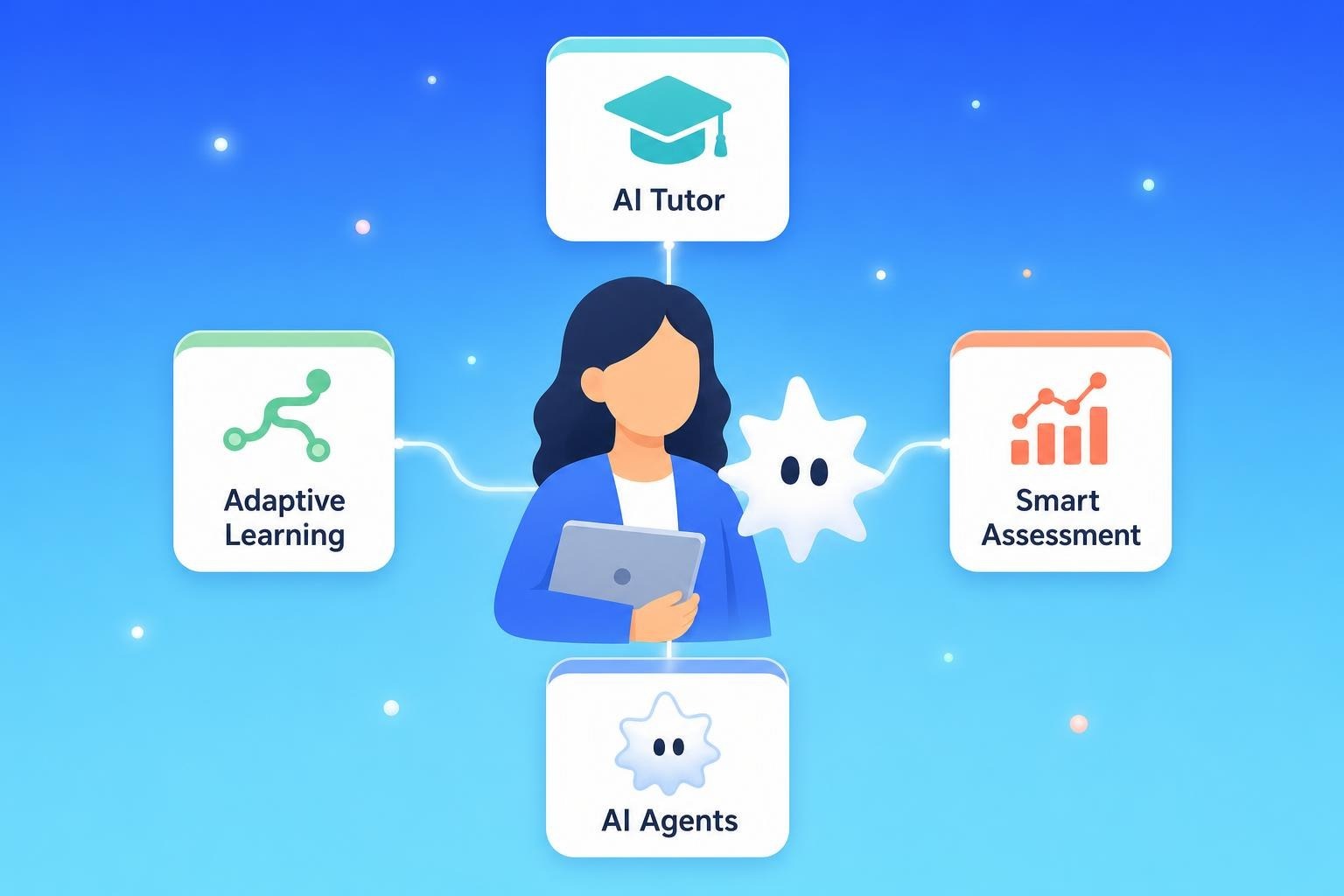
The future of AI in education is moving fast. The AI in education trends 2026 that teachers, school leaders and EdTech teams are watching most closely:
- Agentic AI in the classroom. Tools that do not just answer questions but take multi-step actions — scheduling, drafting, sending — without manual prompting at each step. Mira is an early example: as an AI agent in Telegram, it can manage reminders, draft emails and retrieve documents from a single conversation thread.
- Personalised AI tutors. Platforms that adapt in real time to a student's responses — adjusting difficulty, vocabulary and explanation style based on interaction patterns.
- AI policy becoming standard. Most MATs and local authorities in the UK and school districts in the US are now writing formal AI acceptable use policies. Expect these to become standard in 2026–27.
- AI-assisted assessment. Grading assistants that flag patterns in student work — not to replace teacher judgement but to surface trends across a class more quickly.
- AI literacy as a curriculum subject. More schools are introducing structured AI literacy into PSHE, computing and cross-curricular frameworks.
How to use AI safely: data privacy, bias and safeguarding
Data privacy
The most important rule: do not paste identifiable student information into a public AI tool. This includes:
- Student names or photographs
- SEND, medical or safeguarding information
- Behaviour notes linked to a named individual
- Assessment data that identifies a specific student
- Family circumstances or sensitive background details
The safer approach: anonymise. Instead of "Write a report comment for James who has ADHD..." use: "Write a report comment for a student who benefits from structured working time and has made progress in focus and task completion."
Bias
One of the less-discussed disadvantages of AI in education is that tools trained on large text datasets can reproduce assumptions. Watch for gender stereotyping in example names or roles, cultural assumptions in reading materials, and oversimplification of historical or political topics.
Safeguarding
AI should not be used to make safeguarding decisions. If you have a concern, follow your school's policy and speak to the Designated Safeguarding Lead. AI can help format a neutral, anonymised observation note — it cannot replace trained professional judgement.
Rule of thumb
Ready-to-use AI prompts for teachers - copy and paste
The following prompts work with ChatGPT, Claude, Gemini, Copilot or Mira in Telegram. Adjust the year group, subject and topic as needed.
Getting started: your five-minute first step
If you have never used AI for teachers before, the fastest route to confidence is one low-stakes task:
- Open ChatGPT, Claude, Gemini — or, if you already use Telegram, open Mira directly in the app (search @MiraAgentBot)
- Paste one of the prompts from the table above — a report comment or parent email works well for a first attempt
- Read the output carefully — note what is useful and what needs changing
- Edit until it sounds like you and fits your context
- Fact-check anything specific: dates, statistics, curriculum references
That is the full loop. Once it feels comfortable with a report comment, the same process applies to lesson plans, differentiated tasks, retrieval questions and subject refreshers. The tools do not change — only the prompt.
Summary
AI for teachers in 2026 is practical, accessible and genuinely time-saving when used well. The benefits of AI in education are clearest in lesson planning, report writing, differentiation and parent communication.
The most important habits: keep student data out of your prompts, check AI output for accuracy and bias, and treat everything as a first draft. The professional judgement stays with you.
If you want to try AI without installing anything new, Mira is available in Telegram — ask it for a lesson starter, a report comment, or a parent email and see what lands in your context.